The “My Assignments” section helps you stay on top of your training. You can:
See which assignments are still outstanding
Re-watch past training videos or reread completed policies
View your upcoming training schedule
Download certificates for completed assignments
You have three options:
From a CyberHoot email
Click the “Go To My Assignments” link in any CyberHoot assignment email.
From the CyberHoot website
Go to CyberHoot’s homepage and click “Login” at the top right corner.
Note: Only admins log in with a username and password.
As an employee, just enter your email address and you’ll receive a link to access your assignments.
Discover and share the latest cybersecurity trends, tips and best practices – alongside new threats to watch out for.
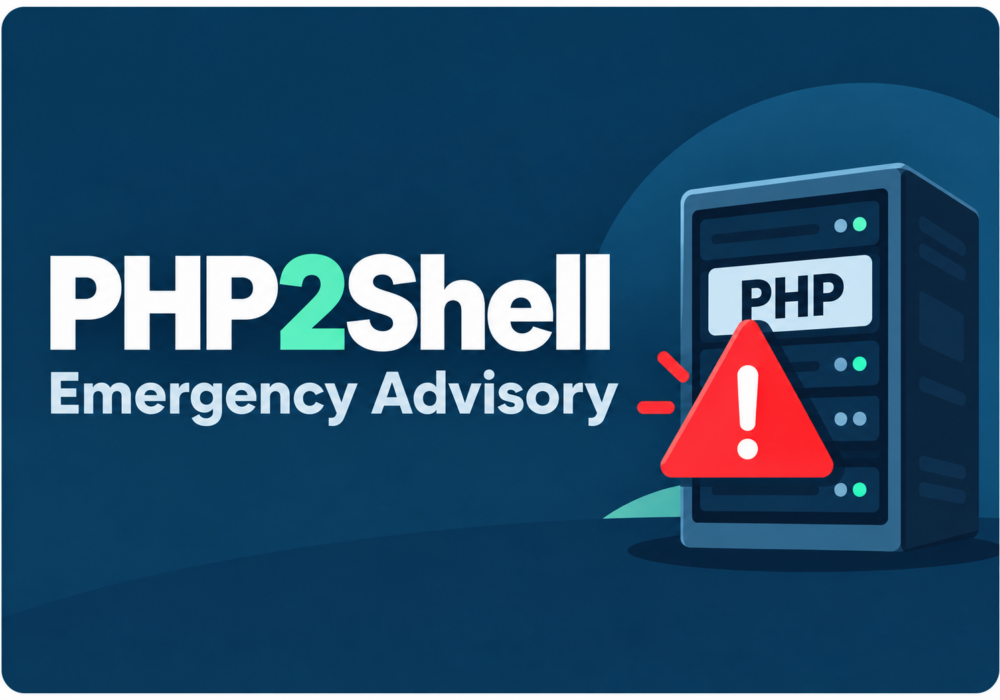
Severity: CRITICAL (CVSS 9.2) | Issued: October 22, 2026 On October 21, two critical flaws in PHP,...
Read more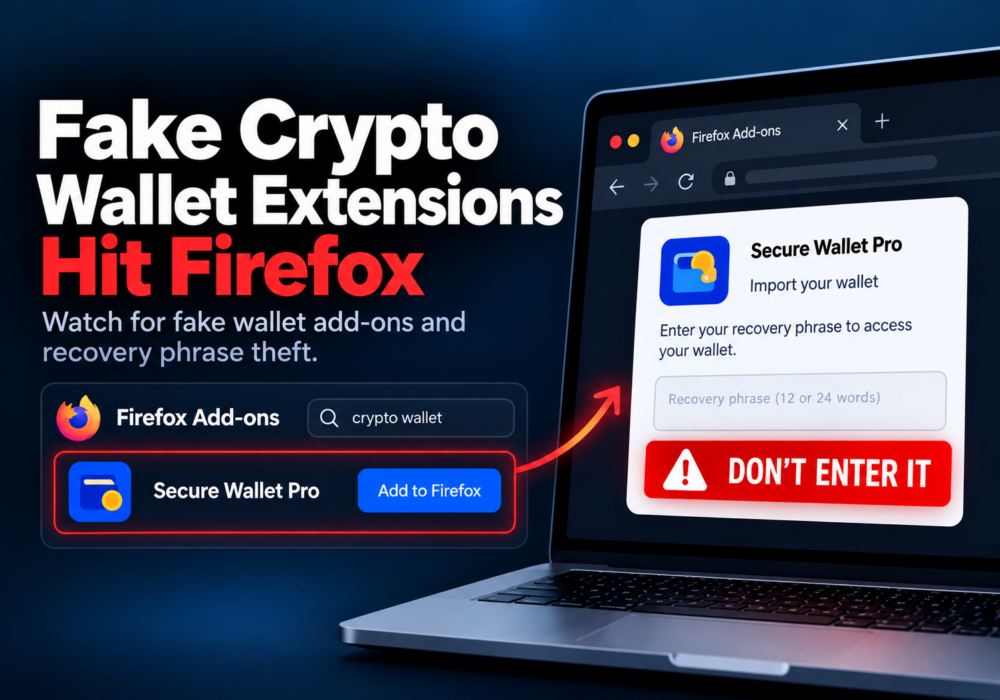
Author: Katie Boquetti | Editorial: Craig Taylor Editorial by Craig Taylor: Even before Claude Code made...
Read more
Author: Katie Boquetti | Editorial: Craig Taylor Editorial by Craig Taylor: We've known for a while here...
Read moreGet sharper eyes on human risks, with the positive approach that beats traditional phish testing.