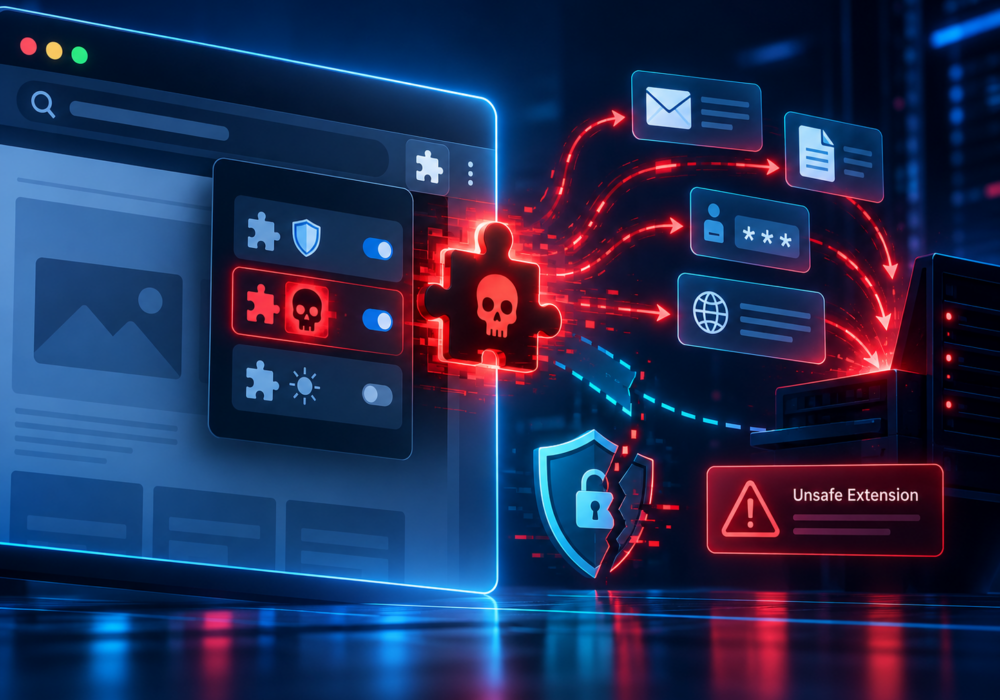
A malicious browser extension is a browser add-on designed to perform harmful actions or a legitimate extension that has been compromised and modified to behave maliciously.
Browser extensions can be powerful because users may grant them permission to interact with websites and browsing activity.
Depending on the permissions available, a malicious extension may attempt to:
Some malicious extensions intentionally impersonate popular tools or services. Others may begin as legitimate products and later become risky following an ownership change or malicious update.
Browser extensions should be treated as software, not harmless browser decorations.
Employees should install only extensions they genuinely need and should verify that the extension comes from a trusted developer.
Businesses should consider:
Employees should also be cautious of extensions advertised through search results, social media, pop-ups, or unsolicited messages.
MSPs can help clients manage browsers through centralized policies that allow, block, or automatically install approved extensions.
Organizations with managed Chrome, Edge, or other enterprise browsers should consider browser extensions part of endpoint governance.
MSPs should also review installed extensions during investigations involving credential theft, session hijacking, suspicious redirects, or unexplained browser behavior.
A browser extension can sometimes see far more than users expect.
Install extensions only when they are necessary, verify who created them, and remove those you no longer use.
Additional Reading:
CyberHoot does have some other resources available for your use. Below are links to all of our resources, feel free to check them out whenever you like:
Discover and share the latest cybersecurity trends, tips and best practices – alongside new threats to watch out for.

Author: Katie Boquetti | Editorial: Craig Taylor Editorial by Craig Taylor: Even before Claude Code made...
Read more
Author: Katie Boquetti | Editorial: Craig Taylor Editorial by Craig Taylor: We've known for a while here...
Read more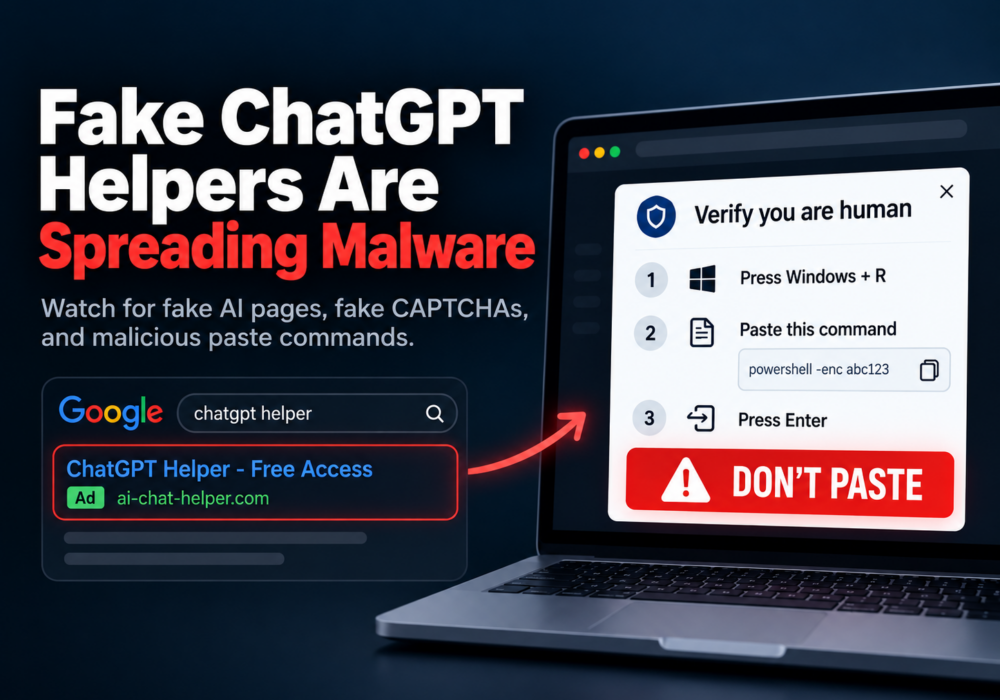
Author: Katie Boquetti | Editorial: Craig Taylor Editorial by Craig Taylor: A CAPTCHA should test whether...
Read moreGet sharper eyes on human risks, with the positive approach that beats traditional phish testing.