Author: Katie Boquetti | Editorial: Craig Taylor
For years we’ve trained people to think twice before clicking a link in an email, and most teams have gotten pretty good at that. However, calendars never got the same attention. We trust them because they hold our real plans, and scammers have figured that out. What strikes me most about this trend is how it turns good manners into an opening. Polite people decline invites they don’t want, and here a decline tells the scammer your email (and inbox) is live and valid. Fortunately, one setting change and a habit of pausing on any meeting you didn’t expect, can protect you. Five minutes in your calendar settings will do more for your team than any scary headline. As more of us hand our schedules to AI assistants, keep a person in charge of which invites get accepted. Read on, change your calendar setting, and pass this along to the busiest calendar keeper(s) you know.
— Craig
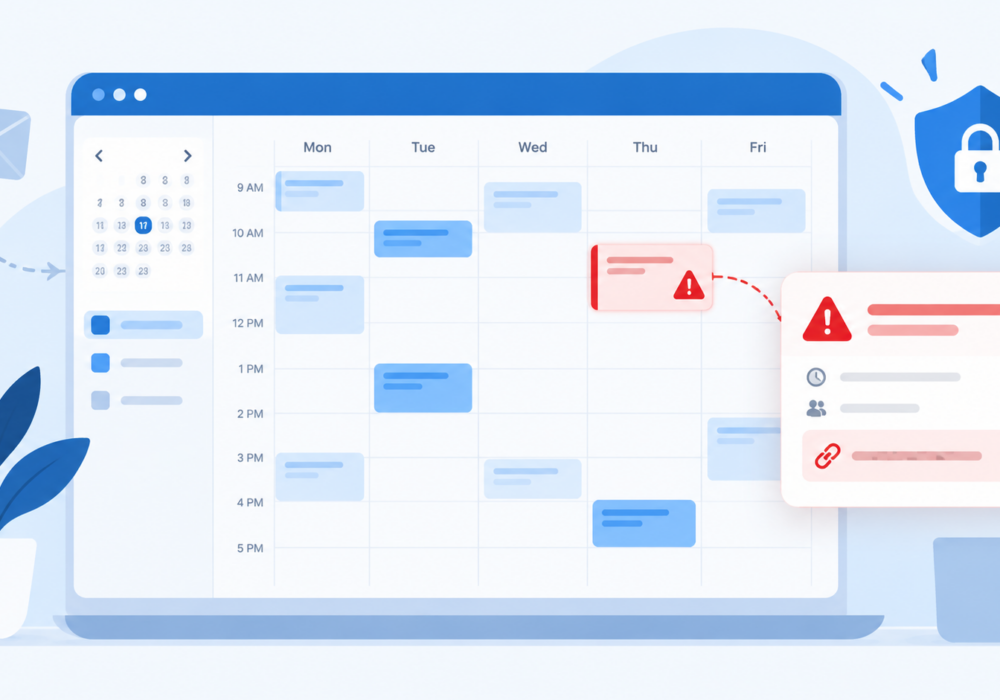
Your calendar runs your day. It tells you where to be, who to meet, and when lunch finally happens. Scammers noticed, and now they send fake meeting invites to grab a spot on your schedule.
Security firm Sublime projected calendar invite phishing would grow about 33,000% between May and September of this year, based on attacks its own tools detected. The number sounds wild, but the good news is simple. These scams follow a clear pattern, and once you know the pattern, you spot them fast.
Calendar invites use a file type called .ics, so security teams call this trick ICS phishing. A scammer sends a meeting request with a link or phone number tucked into the event details. Most calendar apps add invites to your schedule on their own, so the fake event shows up even when the email lands in your spam folder. Many of these invites also come from real services like Gmail, which helps them get past email filters.
A fake calendar invite usually pushes you toward one of three things.
The phone version catches people off guard because there is nothing to click, only a friendly voice with a believable story about a refund or a renewal.
Salespeople and recruiters accept meetings with new people all day, so a strange invite looks normal to them. Office managers and executive assistants manage several calendars at once, so one more event looks routine. Anyone who handles invoices or payments deserves extra care too, since fake billing notices show up often in these scams.
AI scheduling assistants add a new twist. Sublime researchers pointed out a homegrown AI assistant might add a fake event to a calendar on its own. If you use an AI tool to manage your calendar, check its settings and decide which senders it accepts without asking you first.
You control how invites reach your calendar.
Mistakes happen to smart people every day. Act fast and skip the guilt.
This week, take five minutes to update your calendar invite setting, then share this article with your sales team, recruiters, and anyone who manages a shared calendar. Bring it up at your next team meeting and ask each person to check their own settings on the spot. Small habits like these add up fast. If you want help building them across your team, CyberHoot offers short, positive awareness training and phishing simulations built for small and midsize businesses.
Laugh, learn, and Hoot Up!
What is ICS phishing?
ICS phishing is a scam using fake calendar invites. The name comes from the .ics file format calendar apps use for events. The invite contains a link or phone number leading to a fake login page, a malware download, or a scammer posing as customer support.
Why do fake calendar invites get past my spam filter?
Many fake invites come from legitimate services like Gmail, so filters trust them more. Most calendar apps also add invites to your schedule automatically, so you see the event even when the email lands in junk.
Should I decline a suspicious meeting invite?
No. Declining sends a reply confirming your email address is active. Delete the event or report it as spam instead.
Is it safe to join a meeting from a calendar invite?
Yes, when you know the sender and expected the meeting. For anything unexpected, confirm with the person through contact details you already have, and check the link points to the real meeting service before you click.
What should I do if I entered my password through a fake invite?
Change your password right away from a fresh browser window, turn on multifactor authentication, and tell your IT contact or manager. Quick reporting limits the damage and helps protect your coworkers too.
Morning Brew: The latest phishing scam is targeting your calendar
Discover and share the latest cybersecurity trends, tips and best practices – alongside new threats to watch out for.
Author: Katie Boquetti | Editorial: Craig Taylor Editorial by Craig Taylor: For years we've trained...
Read more
Most phishing tests lie to your employees. This one says hello first! HootPhish tells people up front: this is...
Read more
Severity: CRITICAL (CVSS 9.2) | Issued: October 22, 2026 On October 21, two critical flaws in PHP,...
Read moreGet sharper eyes on human risks, with the positive approach that beats traditional phish testing.