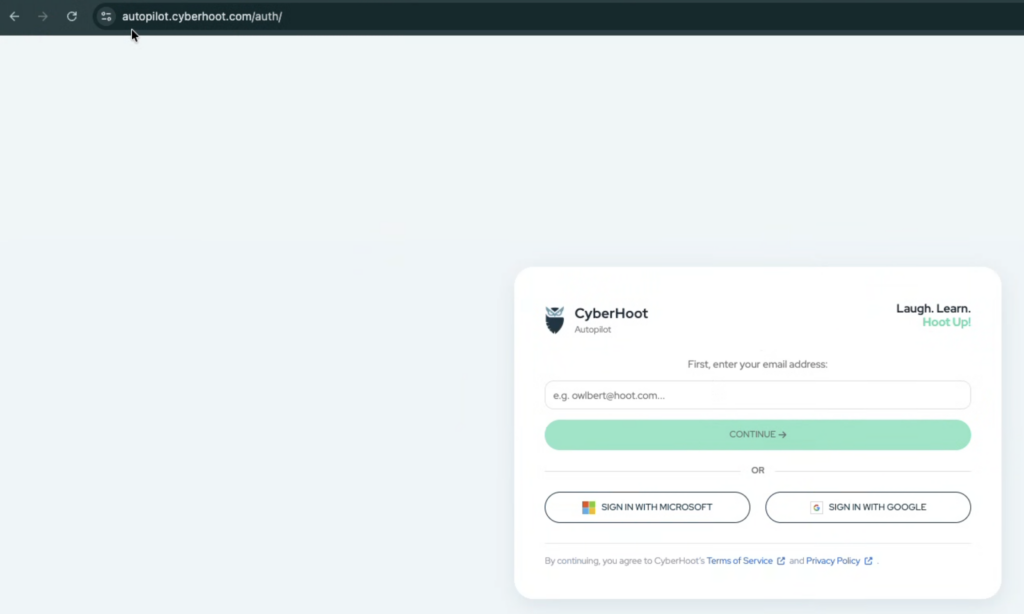
Login to CyberHoot as you normally would using your email address.
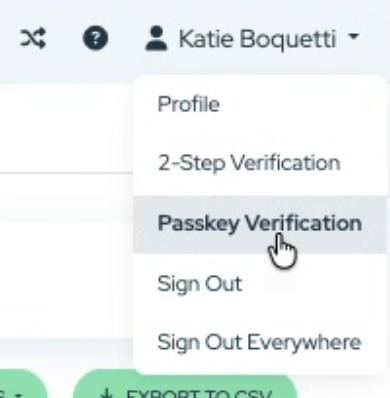
Click on your name on the top right corner then select “Passkey Verification”
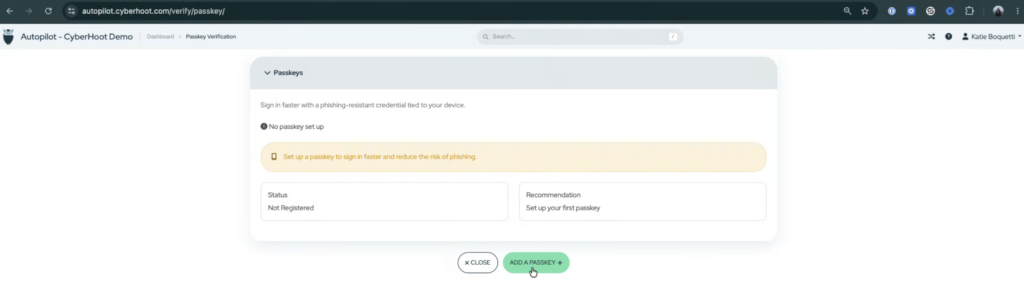
Click on “Add a Passkey”
Click on “Register”
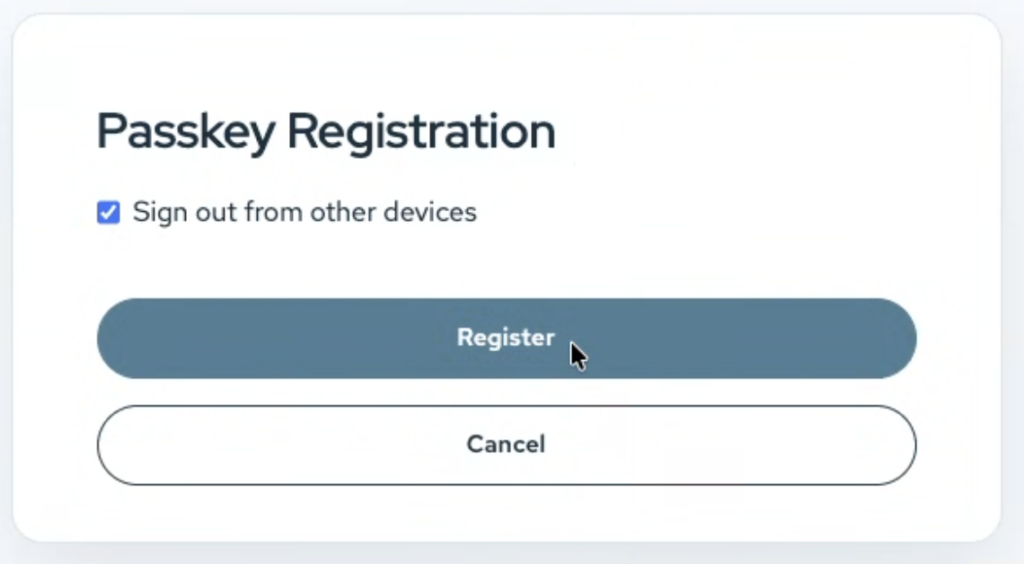
Add the passkey to your system (the screen below may not match what you see on your computer)
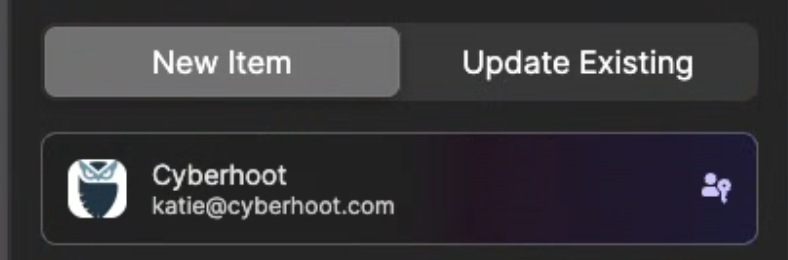
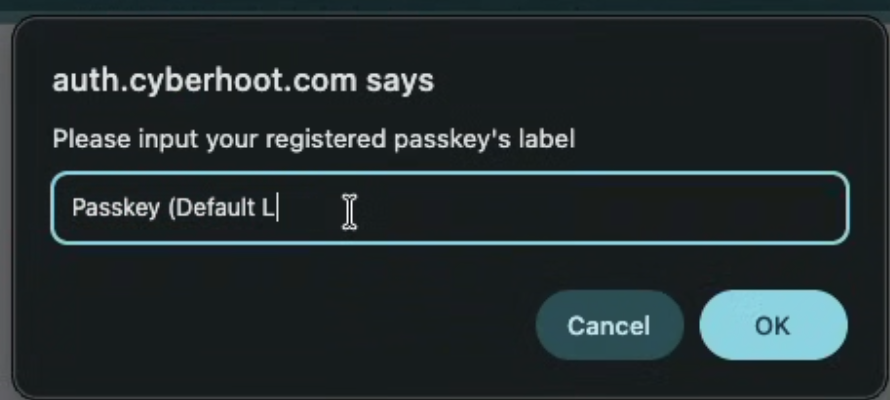
Name your passkey and click on “Ok”
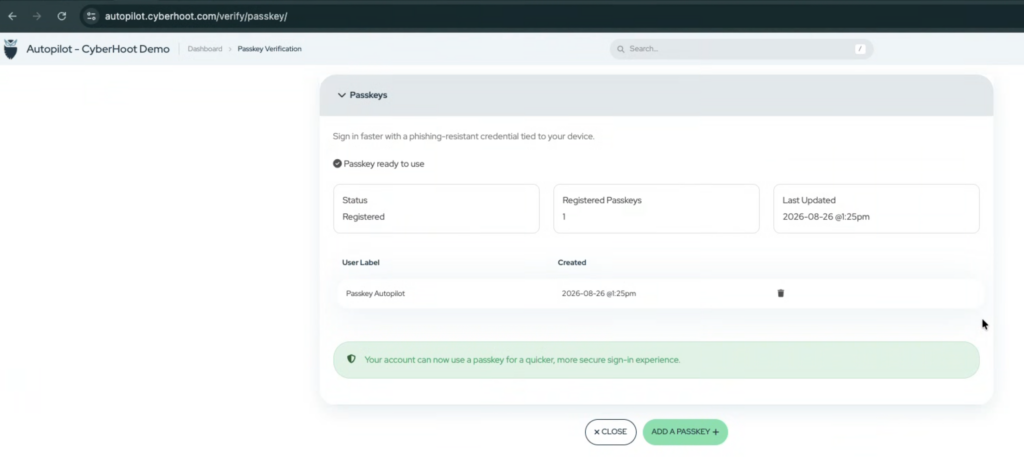
The system will show the passkey has been registered
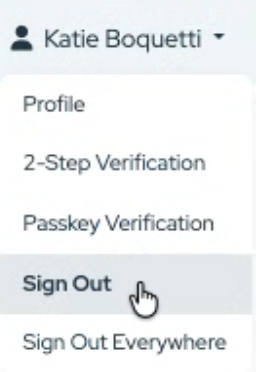
Sign out of CyberHoot by clicking on your name on the top right of the screen and selecting “Sign Out”
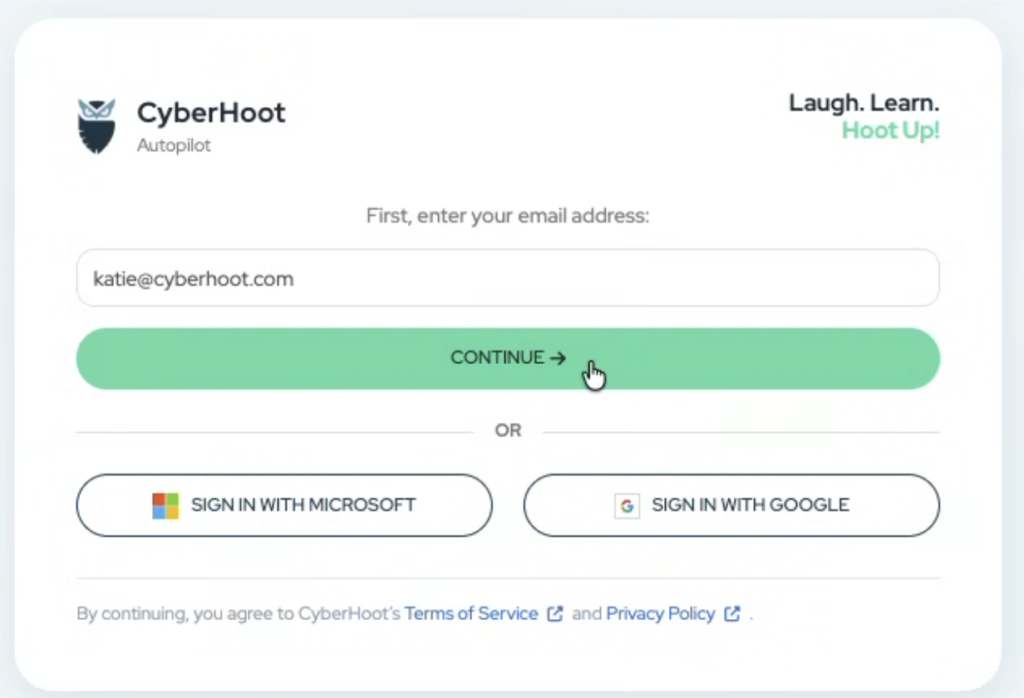
Go back to https://autopilot.cyberhoot.com, type your email address and click on “Continue“
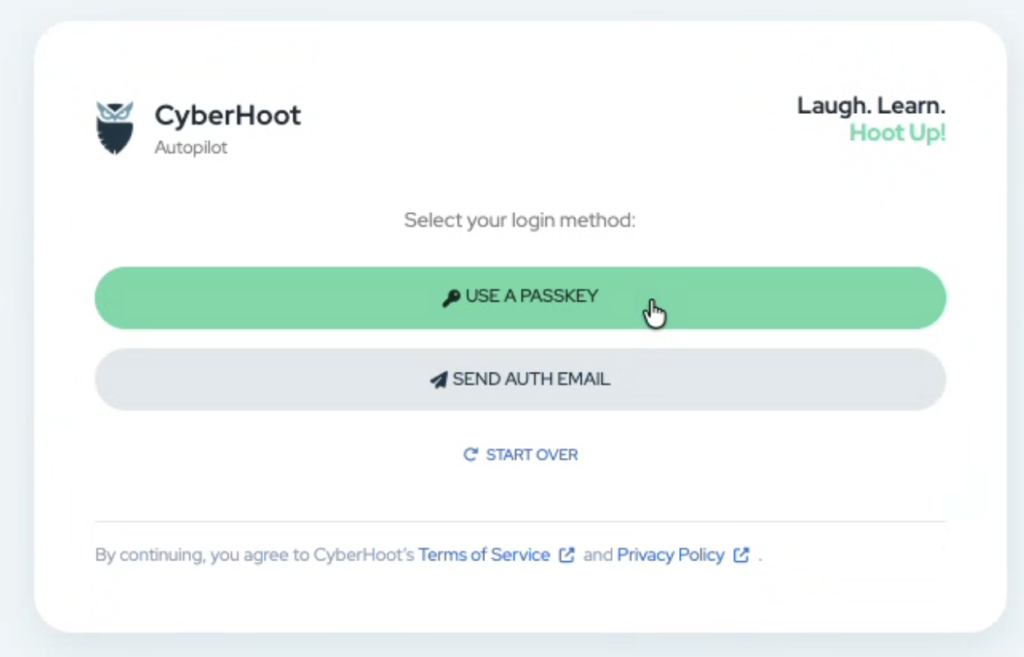
Click on “Use a Passkey”
Choose the passkey from your computer.
That’s it. You’re in!
Discover and share the latest cybersecurity trends, tips and best practices – alongside new threats to watch out for.

Author: Katie Boquetti | Editorial: Craig Taylor Editorial by Craig Taylor: Even before Claude Code made...
Read more
Author: Katie Boquetti | Editorial: Craig Taylor Editorial by Craig Taylor: We've known for a while here...
Read more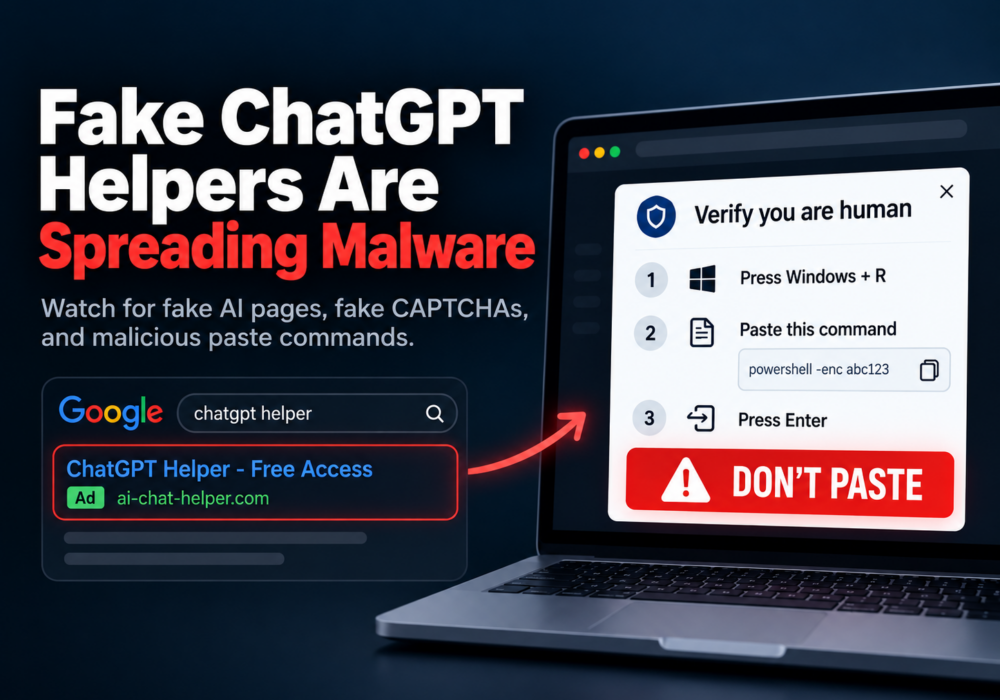
Author: Katie Boquetti | Editorial: Craig Taylor Editorial by Craig Taylor: A CAPTCHA should test whether...
Read moreGet sharper eyes on human risks, with the positive approach that beats traditional phish testing.