Starting with a new platform can feel like a big lift, but we are here to make it easy. This page features a collection of short overview videos designed to help you get comfortable using CyberHoot’s Autopilot platform quickly and effectively.
These videos will help you hit the ground running and deliver meaningful cybersecurity improvements to your organization from day one. Let’s get started!
Your new starting point in Autopilot. The Today page shows alerts, to-dos, user and trial counts, your next billing date, what’s happening this week and which tenants need your attention, all in one place. Managing more than one deployment? This video also shows how to switch between them in one click.
Take a quick tour of the new left-hand navigation and global search for site admins. Learn where to find the redesigned All Tenants page, reports, PowerUps and tenant default settings. It also shows where your Partner Dashboard, administrators, integrations, subscriptions and logs now live.
Tenant admins now have a home page of their own. This video walks through the tenant Home dashboard, including compliance, alerts, to-dos, upcoming training, the Flock Points leaderboard and Health at a Glance. It also shows how the simplified menu makes users, training, reports and setup easy to find.
Please email Support@CyberHoot.com for help.
Discover and share the latest cybersecurity trends, tips and best practices – alongside new threats to watch out for.
Author: Katie Boquetti | Editorial: Craig Taylor Editorial by Craig Taylor: Even before Claude Code made...
Read more
Author: Katie Boquetti | Editorial: Craig Taylor Editorial by Craig Taylor: We've known for a while here...
Read more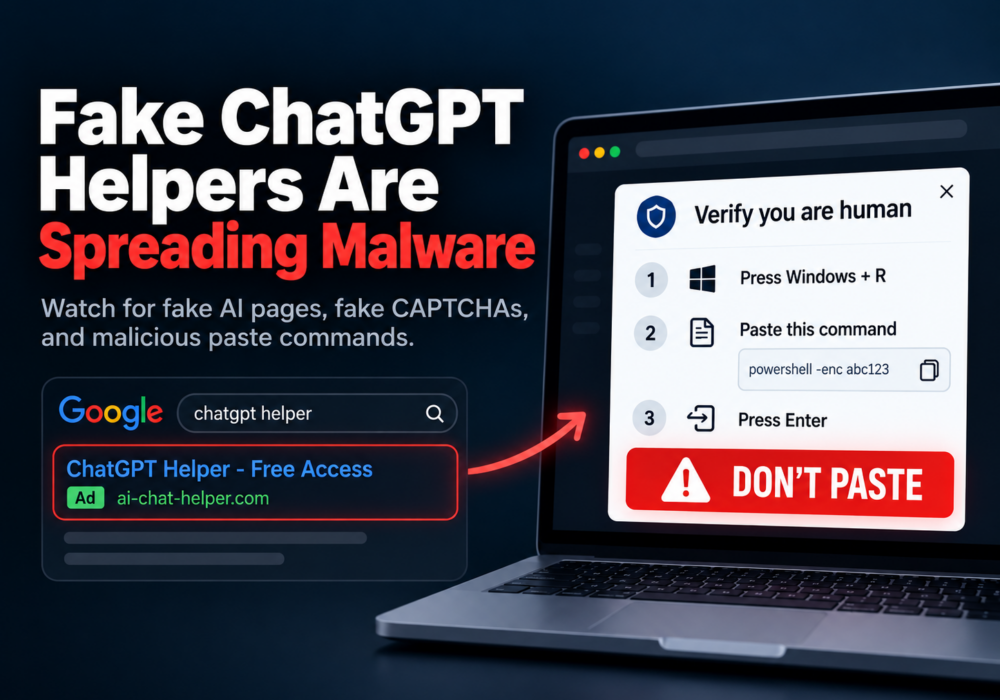
Author: Katie Boquetti | Editorial: Craig Taylor Editorial by Craig Taylor: A CAPTCHA should test whether...
Read moreGet sharper eyes on human risks, with the positive approach that beats traditional phish testing.

