When Phish testing environments where Sophos EDR is present, you will need to enable allow listing and add the CyberHoot addresses. Otherwise the Website Management defenses will intercept any attempt to click on a link taking you to a nefarious phish testing website.
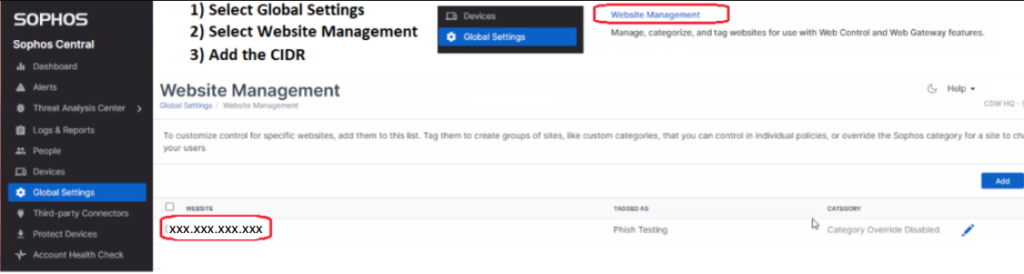
There are three steps to accomplish this as shown in the graphic above.
Discover and share the latest cybersecurity trends, tips and best practices – alongside new threats to watch out for.

Author: Katie Boquetti | Editorial: Craig Taylor Editorial by Craig Taylor: We've known for a while here...
Read more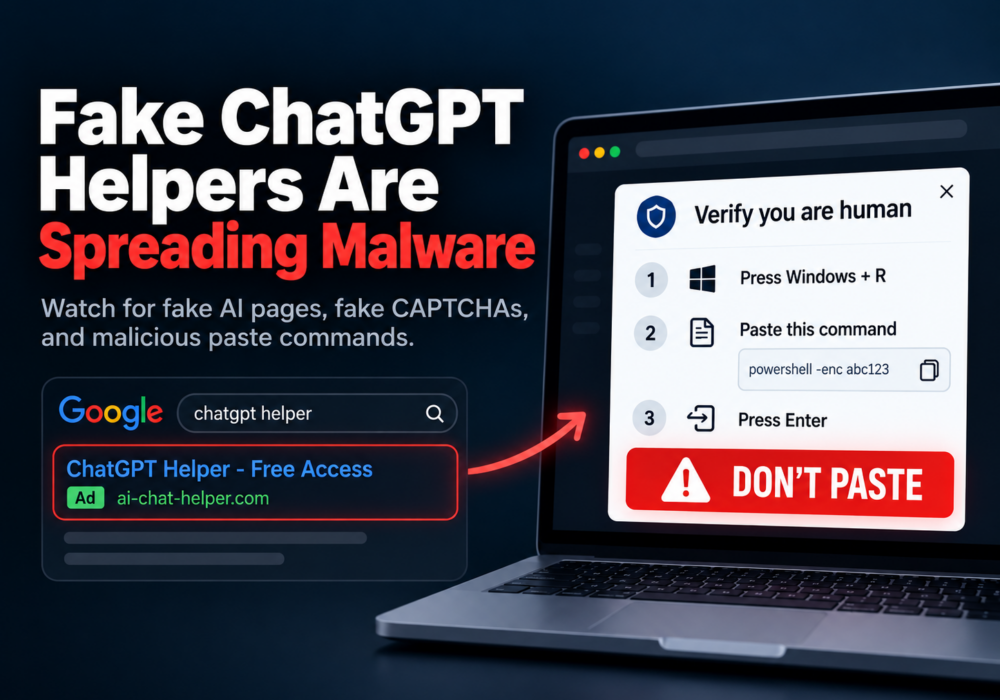
Author: Katie Boquetti | Editorial: Craig Taylor Editorial by Craig Taylor: A CAPTCHA should test whether...
Read more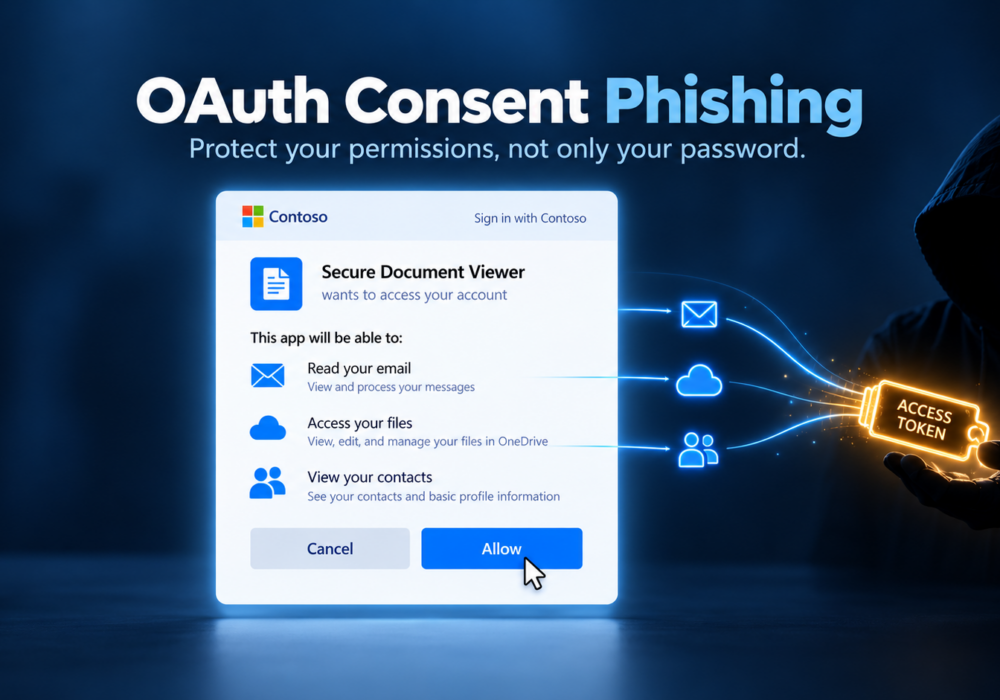
Author: Katie Boquetti | Editorial: Craig Taylor Editorial by Craig Taylor: I'm blessed to have...
Read moreGet sharper eyes on human risks, with the positive approach that beats traditional phish testing.