How to match each exposure to the right notification, and when to acknowledge it.
This is the full process for each exposure. There’s nothing to track beyond it.
Only un-acknowledged exposures need your attention. Once acknowledged, move on.
| Data Exposed field shows… | Category |
| Email addresses, Passwords only | Credentials Only |
| Passwords + Usernames, Phone numbers, or similar | Credentials + Account Details |
| The exposed account is the user’s actual email mailbox | Primary Email Account |
| Credit card data, Bank account details, Purchases | Financial Data |
| Social Security numbers, Dates of birth, Physical addresses, Government IDs | Government ID / Personal Info |
| Employee records, health data, internal documents (client’s own data) | Company / Internal Data — escalate, don’t auto-notify |
Data Exposed shows: Email addresses, Passwords (nothing else)
Notification text:
Your email and password were found in a data breach from [Service Name] on [Date]. This is limited to that one account — no personal or financial information was involved. Please change your password there now, and turn on a passkey or two-factor authentication if the service offers one. If you used that password anywhere else, change it there too.
Data Exposed shows: Passwords plus things like Usernames, Phone numbers, or other account metadata (not government ID or financial data)
Notification text:
Your account details from [Service Name] were found in a data breach on [Date], including your password and some account information. Please change your password immediately, turn on a passkey or two-factor authentication, and update any security questions or recovery details tied to that account.
Applies when: The breach IS the person’s actual email mailbox (Gmail, Outlook, company email), not just a service that used their email as a username. Treat this one as more urgent than a typical credentials leak, since that inbox is usually the recovery path for everything else the person has.
Notification text:
This exposure involves your email account itself, not just another service. Please change your email password right away and set up a passkey or authenticator app right after. Also check your mail settings for any forwarding rules you didn’t create, and review your recent sign-in activity for anything unfamiliar. Since your other accounts may use this inbox to reset their passwords, treat this one as urgent.
Data Exposed shows: Credit card data, bank account details, or similar financial information
Notification text:
Your financial information was found in a data breach from [Service Name] on [Date]. Please contact your bank or card issuer now to request a replacement card or account number, and review recent statements for anything you don’t recognize. Consider placing a fraud alert with a credit bureau as an added layer of protection.
Data Exposed shows: Social Security numbers, Dates of birth, Physical addresses, or other government-issued ID information
Notification text:
Your personal information — including [SSN / date of birth / address], as applicable — was found in a data breach from [Service Name] on [Date]. This is more serious than a password leak, since this kind of information can be used for identity theft. Please see the attached user guide for the specific steps to take, including placing a credit freeze and requesting an IRS Identity Protection PIN.
This is the one category worth pointing users to the full guide for, since there are several steps involved and they’re easy to get wrong on the fly.
Applies when: The exposure is the client’s own internal data (employee records, health information, proprietary documents), not a third-party service breach. This doesn’t get a standard notification — flag it for the client’s leadership before sending anything to individual users, since it may carry legal notification requirements that a routine alert doesn’t.
A companion document, “What to Do If You Have a Dark Web Exposure,” is written directly for end users and covers the actual remediation steps (password changes, passkeys, credit freezes, and so on) in plain language. It can be attached or linked alongside any notification. Once the notification is sent, following through on those steps is the user’s responsibility.
Discover and share the latest cybersecurity trends, tips and best practices – alongside new threats to watch out for.

Author: Katie Boquetti | Editorial: Craig Taylor Editorial by Craig Taylor: We've known for a while here...
Read more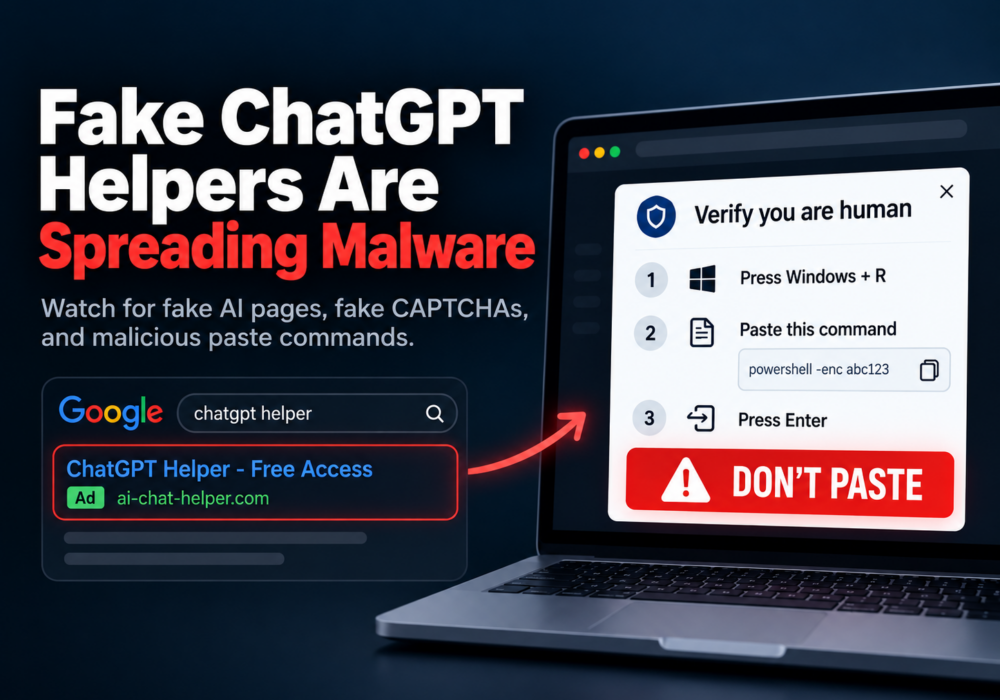
Author: Katie Boquetti | Editorial: Craig Taylor Editorial by Craig Taylor: A CAPTCHA should test whether...
Read more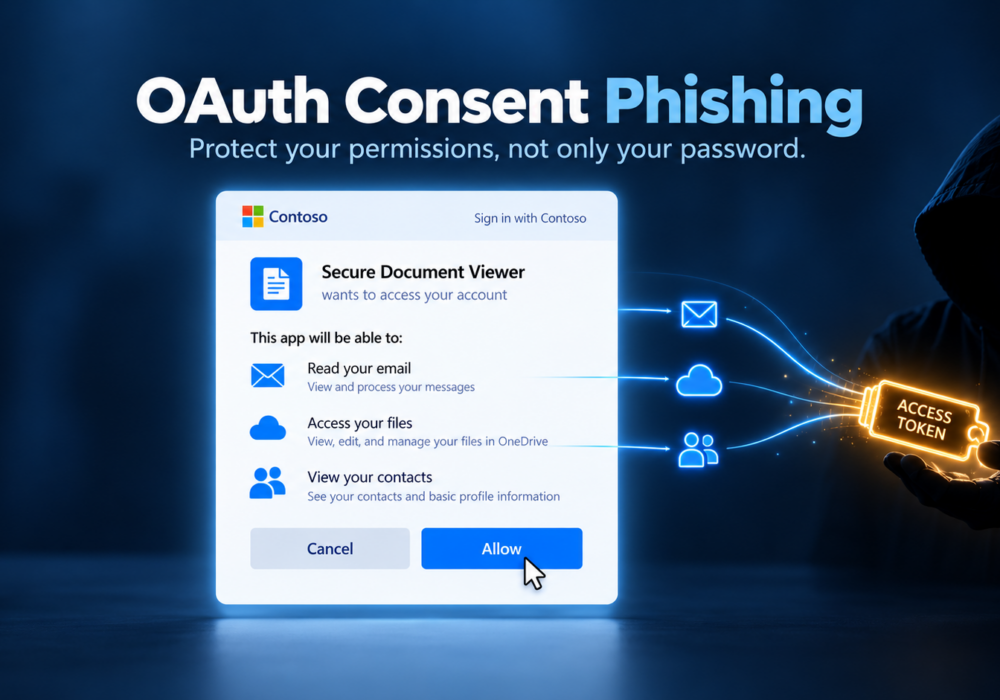
Author: Katie Boquetti | Editorial: Craig Taylor Editorial by Craig Taylor: I'm blessed to have...
Read moreGet sharper eyes on human risks, with the positive approach that beats traditional phish testing.

