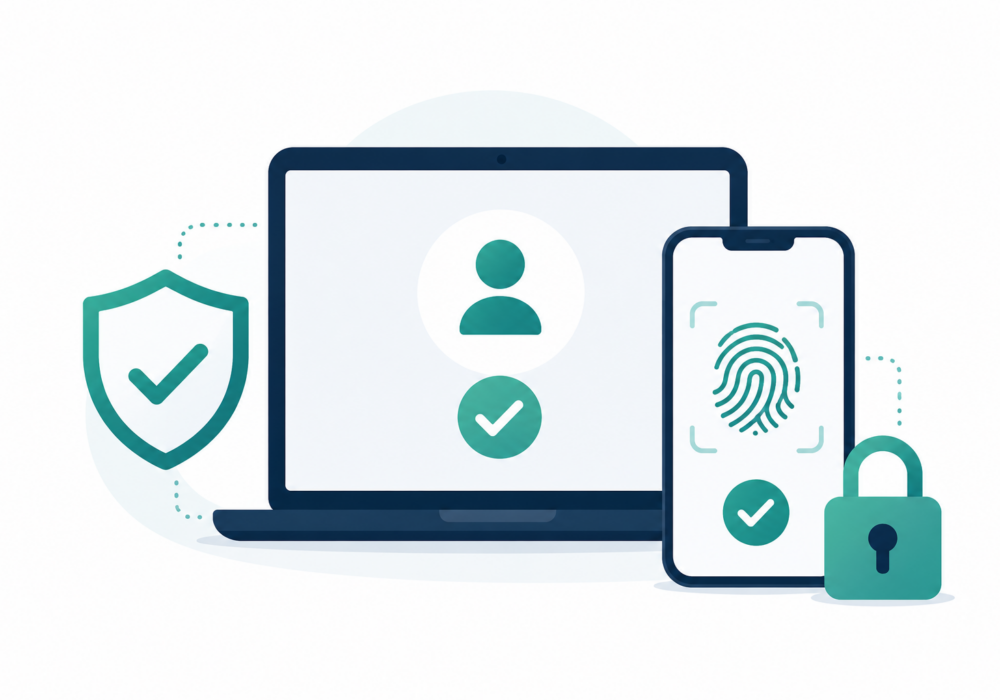
A passkey is a modern replacement for passwords. Instead of typing a password, users authenticate using something they already have (their phone, computer, or hardware security key) plus a biometric (fingerprint or Face ID) or device PIN. Behind the scenes, passkeys use public-key cryptography, making them resistant to phishing and credential theft.
Here’s how it works:
Unlike passwords, there is nothing for an attacker to steal from the website’s database that can be reused elsewhere.
Small and midsize businesses are frequent targets because they often lack large security teams. Passkeys help by:
For an SMB, adopting passkeys can significantly reduce one of the most common causes of cyber incidents: compromised credentials.
For managed service providers, passkeys provide several advantages:
MSPs should prioritize enabling passkeys for:
| Passwords | Passkeys |
|---|---|
| Can be guessed or stolen | Cannot be guessed |
| Vulnerable to phishing | Phishing-resistant |
| Often reused | Unique for every site |
| Stored on servers (hashed) | Private key stays on your device |
| Require resets | Rarely need resetting |
| Can be leaked in data breaches | Server breaches don’t expose your private key |
Passkeys represent one of the biggest improvements in authentication in decades. For SMBs, they reduce the risk of credential theft while making login easier for employees. For MSPs, they help secure privileged accounts, reduce support overhead, and protect both the provider and its clients from phishing-based attacks.
While passwords are likely to remain in use for some legacy systems, organizations that begin adopting passkeys now will be substantially better protected against the most common forms of credential compromise.
Additional Reading:
CyberHoot does have some other resources available for your use. Below are links to all of our resources, feel free to check them out whenever you like:
Discover and share the latest cybersecurity trends, tips and best practices – alongside new threats to watch out for.
Author: Katie Boquetti | Editorial: Craig Taylor Editorial by Craig Taylor: This week's blog has a...
Read more
Every so often a piece of malware comes along with a trick clever enough to make security researchers pause and...
Read more
Author: Craig Taylor I cannot visit a coffee shop, go for a round of golf, have a friendly conversation with...
Read moreGet sharper eyes on human risks, with the positive approach that beats traditional phish testing.