Ad-blockers

12th August 2025 | Cybrary Ad-blockers

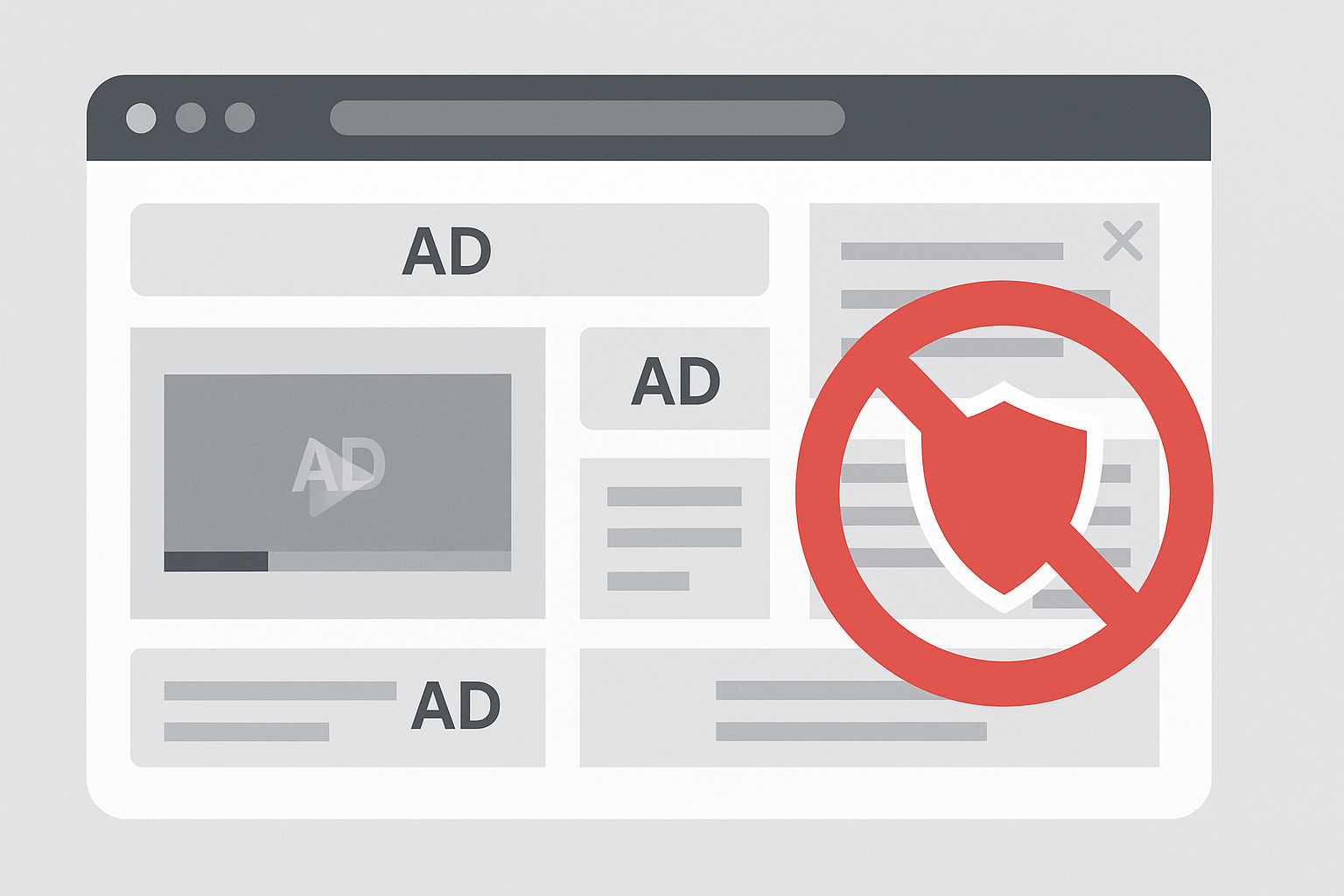
Ad-blockers are software tools, often installed as browser extensions, apps, or built into browsers, that prevent online advertisements from displaying on websites or streaming platforms.
They work by filtering out requests to known advertising networks, blocking scripts, or hiding ad elements (like banners, pop-ups, video ads, and trackers).

Modern ad-blockers often also:

  • Block trackers and cookies (protecting user privacy).
  • Speed up browsing by stopping heavy ad scripts from loading.
  • Reduce bandwidth consumption, which can matter on metered or mobile connections.

What Ad-Blockers Mean to SMBs (Small and Medium-Sized Businesses)

For SMBs, ad-blockers are a double-edged sword:

Pros:

  • Improved employee productivity: Fewer distractions from ads during work hours.
  • Security benefits: Many malvertising (malicious ad) campaigns are blocked, reducing phishing/malware exposure.
  • Bandwidth savings: Less junk content loading on company networks.

Cons:

  • Marketing challenges: If the SMB relies heavily on digital ads (Google Ads, Facebook, etc.) for outreach, potential customers using ad-blockers may never see their ads.
  • Data gaps: Analytics tools tied to ad scripts can be disrupted, making campaign tracking less accurate.
  • Support/compatibility issues: Some websites break or lose features when scripts get blocked.

What Ad-Blockers Mean to MSPs (Managed Service Providers)

For MSPs, the implications extend to both operations and client relationships:

Pros:

  • Stronger security posture: Deploying ad-blockers fleet-wide reduces malvertising and drive-by attack risks for client users.
  • User experience: Faster browsing and fewer pop-ups = happier end users.
  • Differentiator: Offering ad-blocking as part of a managed browser or DNS filtering solution can add value to an MSP’s service stack.

Cons:

  • Support headaches: Clients may complain that legitimate sites or business tools don’t work correctly because scripts are blocked. MSPs then need to troubleshoot, whitelist, or configure exceptions.
  • Marketing impact for MSPs themselves: If MSPs advertise online, their ads might be blocked from reaching potential customers.
  • Policy balance: MSPs must decide whether to enable strict blocking (max security, but more breakage) or moderate blocking (balance of usability and protection).

Bottom line:
Ad-blockers improve security and productivity but create challenges for businesses that rely on digital advertising or sites that depend on script-heavy functions. For MSPs, the key is to manage them strategically, using DNS filters, browser policies, and clear exception rules, while educating clients on the trade-offs.


Additional Reading:

CyberHoot does have some other resources available for your use. Below are links to all of our resources, feel free to check them out whenever you like:


Latest Blogs

Stay sharp with the latest security insights

Discover and share the latest cybersecurity trends, tips and best practices – alongside new threats to watch out for.

MongoBleed: Why 87,000 Databases Had Their Front Doors Wide Open (And How to Close Yours)

MongoBleed: Why 87,000 Databases Had Their Front Doors Wide Open (And How to Close Yours)

Remember Heartbleed? That security nightmare from a few years back that made everyone panic about their...

Read more
QR Codes Are Back (They Still Want Your Password)

QR Codes Are Back (They Still Want Your Password)

Remember 2020? We scanned QR codes for everything. Restaurant menus. Parking meters. That awkward moment at a...

Read more
AI-Powered Phishing Kits Are Game-Changing, In a Very Bad Way

AI-Powered Phishing Kits Are Game-Changing, In a Very Bad Way

Phishing emails used to be easy to spot. Bad grammar. Weird links. Obvious scams. Those days are...

Read more