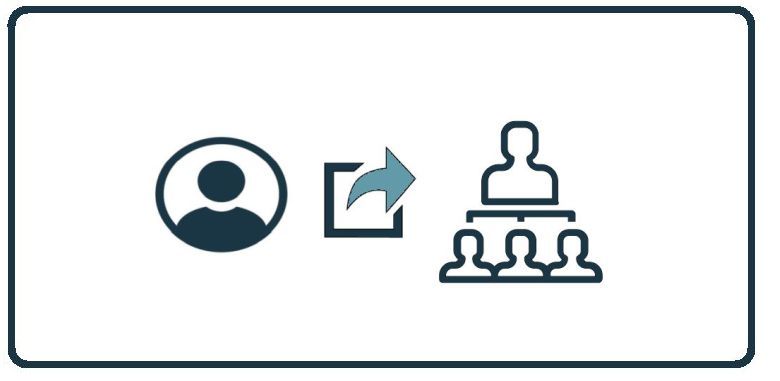
HowTo: Move an Employee to a New Manager

22nd June 2025 | HowTo, Platform HowTo: Move an Employee to a New Manager

These instructions will provide you with the steps to assign local user to a local  manager on the Autopilot Platform.

Assigning users to an existing manager on the Autopilot Platform

  1. Upon login to the Autopilot Platform, select the customer you wish to manage.
  2. If you need to create the manager first, click on “Edit Settings” on the ribbon to the right, click on “Local Company Manager(s)” and click on “Add Manager(s)” button, type their name and click on Save.
  3. from the dashboard, click on Users on the ribbon on the right side of the screen.
  4. From the Users window, click on the pencil next to the user you want to edit.
  5. Select the manager you want the user to report to.
  6. Click on the Save button.

That’s it.

Latest Blogs

Stay sharp with the latest security insights

Discover and share the latest cybersecurity trends, tips and best practices – alongside new threats to watch out for.

Corp MDM: The Fake Work App Who Wanted to Read Your Texts

Corp MDM: The Fake Work App Who Wanted to Read Your Texts

Author: Katie Boquetti | Editorial: Craig Taylor Editorial by Craig Taylor: We've known for a while here...

Read more
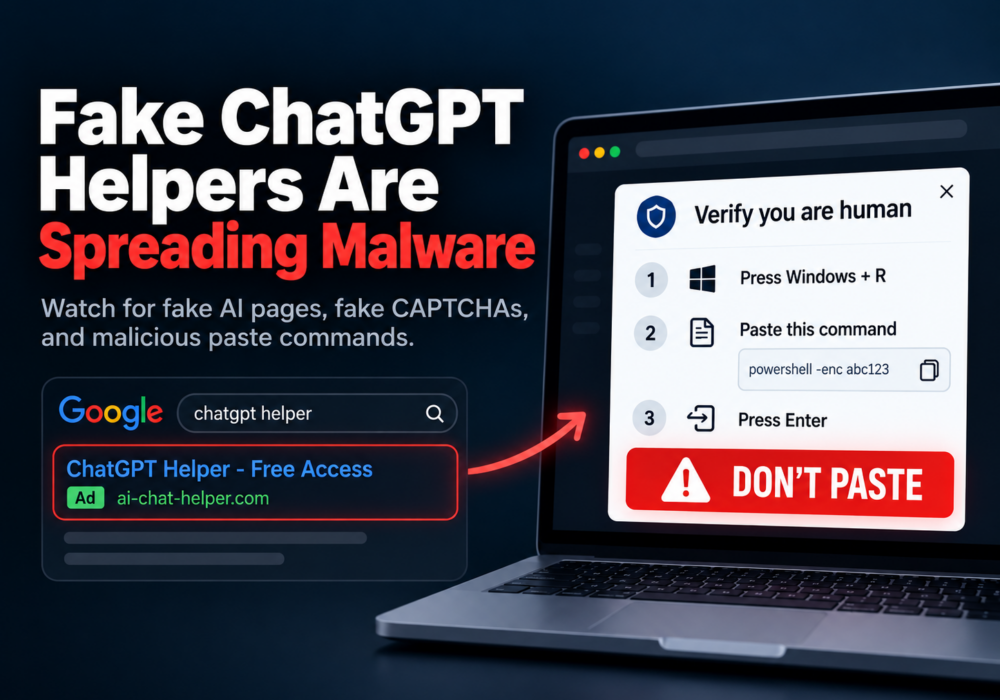
Fake ChatGPT Helpers Are Spreading Malware. Here Is How to Spot Them.

Fake ChatGPT Helpers Are Spreading Malware. Here Is How to Spot Them.

Author: Katie Boquetti | Editorial: Craig Taylor Editorial by Craig Taylor: A CAPTCHA should test whether...

Read more
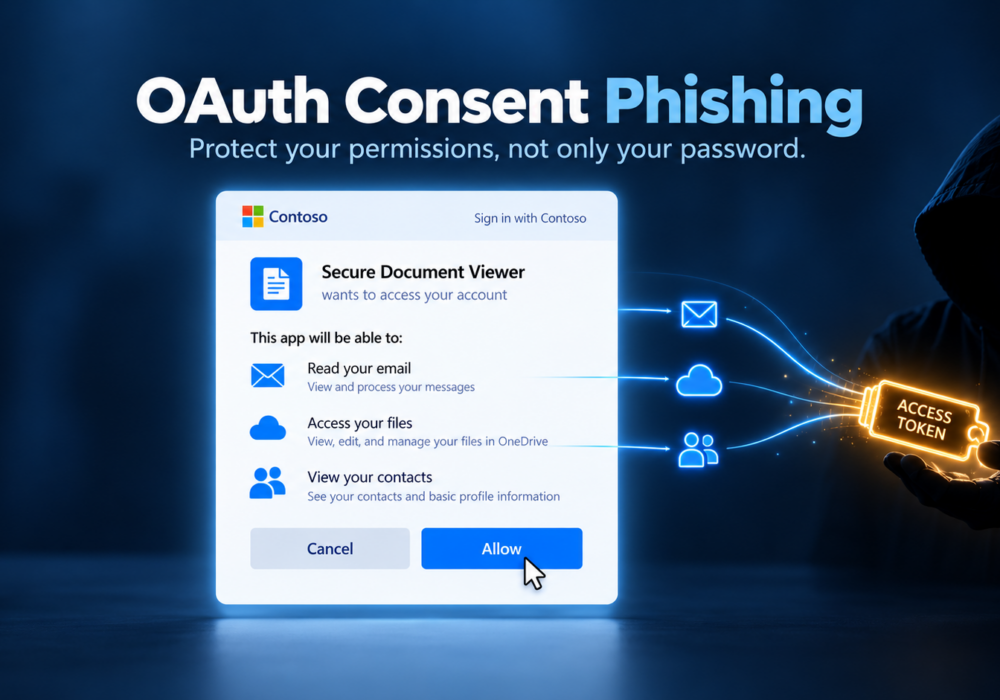
OAuth Consent Phishing: Protect Your Permissions, Not Just Your Password

OAuth Consent Phishing: Protect Your Permissions, Not Just Your Password

Author: Katie Boquetti | Editorial: Craig Taylor Editorial by Craig Taylor: I'm blessed to have...

Read more