Autopilot Build 267 redesigns the partner Overview, makes the Exposed users and Dark Web pages searchable and exportable, and adds Power-up defaults and tenant-admin AttackPhish access.
New
- Exposed users and Dark Web pages have searchable tables with CSV export. Find a user fast and take the list with you, including a CSV or PDF export of users and an OSINT profile for each user. Dark Web
- Hover a variable in Custom messaging to see its current value. You can check what a message will say before you send it.
- Set Power-up defaults for new tenants from a Defaults card. Choose them once, apply them to existing tenants, and the new-tenant wizard is pre-filled. Power-ups
- Tenant admins get a read-only AttackPhish view and can Send Test. They can see their phishing simulation setup without being able to change it, while the Defaults card stays with site admins. AttackPhish
- A user’s job title and department now show on their detail page. They come from directory sync.
- HootPhish Challenge limits attempts per player and shows play counts. You can see how often each player has played. HootPhish
Improved
- The partner Overview is redesigned, and billing history moves to the Subscription page. Everything about what you pay now lives in one place.
- A partner’s saved card shows on the Subscription page when billing is by invoice. You can see which card is on file.
- Power-up menu items and page access follow each tenant’s Power-up settings. Tenants see only what is turned on for them. Power-ups
- Merge User Into… opens instantly on large tenants and has a search box to pick the target user. No more waiting on a huge list.
- CustomHoots program views use the new card layout. A program’s trainings read as cards. CustomHoots
- The CustomHoots Training Library is now called the Content Library.
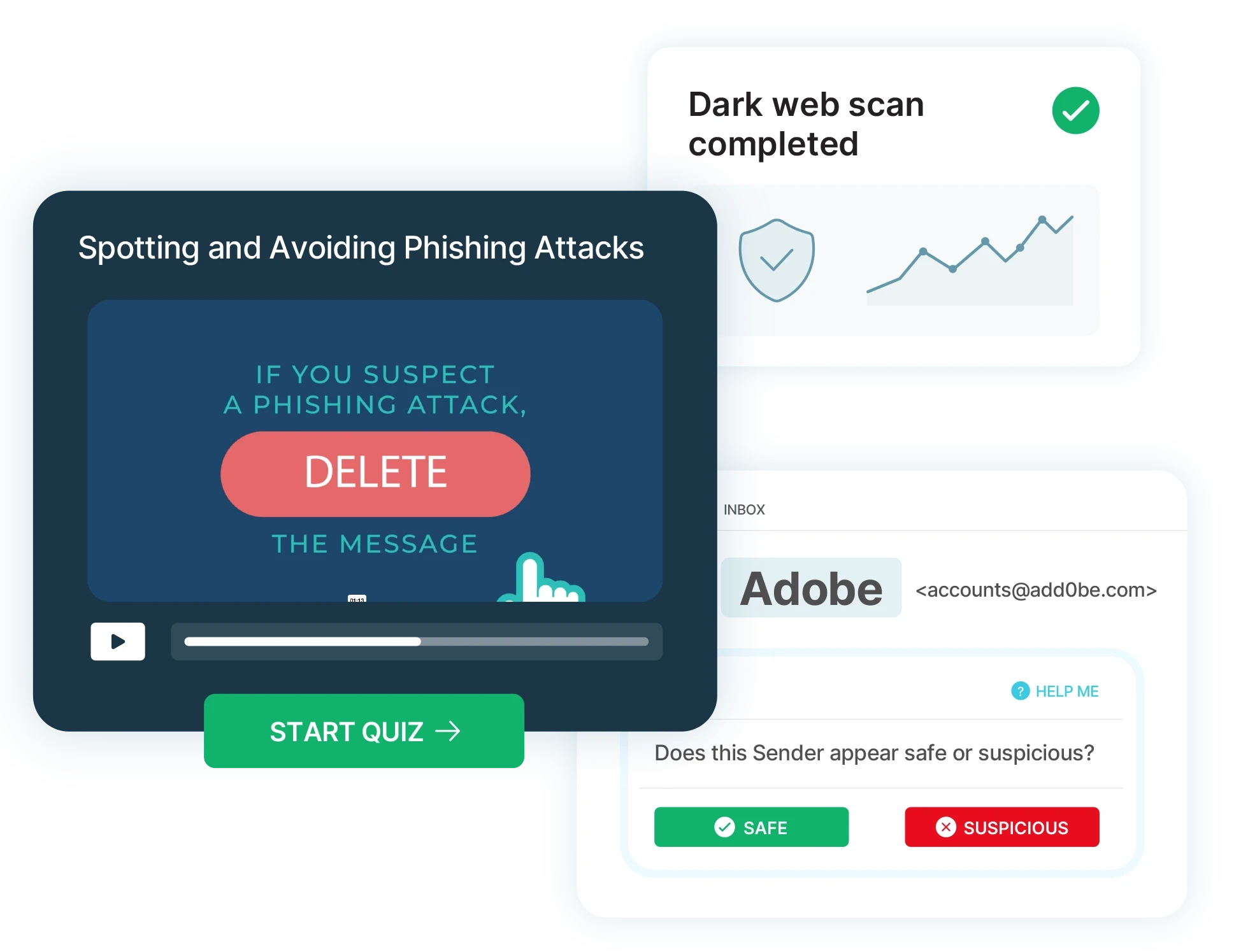
- Dark Web results show a Possible Social chip for matches found by username only. You can tell a probable match from a confirmed one. Dark Web
- The Dark Web results page no longer mentions DNS Twister. Dark Web
- The To Dos card hides once nothing is left to do. Your dashboard stays clean.
Fixed
- Previewing a video in a Training Library program no longer errors.
- The HootPhish Challenge partner table no longer overflows, and the Actions button is laid out correctly. HootPhish
- Exposed users and Dark Web pages have a column layout fix and the snooze menu no longer appears behind other content. Dark Web
- Saving a profile keeps your session on your own admin account.