HowTo: Add Managers to Employees in Microsoft Azure / Entra ID

21st June 2025 | HowTo, MSP, Platform HowTo: Add Managers to Employees in Microsoft Azure / Entra ID

Defining managers for each employee in CyberHoot is very important.  Employee managers are Carbon Copied (CC’d) on reminder emails sent to employees.  This only happens when an Employee has not completed an assignment by the due date.

The moment an assignment is completed, CyberHoot stops sending reminders for that assignment.  All emails sent contain reminders for all outstanding assignments.

HowTo: Add Managers in Microsoft Azure AD / Entra ID:

CyberHoot will pull in managers assigned to users automatically from Microsoft Entra if you have assigned them to each User.  Here’s instructions for how to do that.

Set Managers in the Microsoft Portal:

  1. Navigate to Microsoft Entra ID / Azure AD portal and select “Users” from the left-hand menu.
  2. Click on an employee’s name to open their profile, then select “Edit properties.”
  3. Under the “Job info” tab, click “Edit” next to “Manager.”
  4. Search for and select the employee’s manager.
  5. Click “Save” to update the reporting relationship.

Repeat these steps for each employee as needed.

Source: How to setup your Org Chart in Microsoft Entra/Azure AD.

Set Managers Using PowerShell:

  1. Use the Set-AzureADUserManager cmdlet to update a user’s manager in Azure AD.
  2. The syntax is Set-AzureADUserManager -ObjectId “<UserObjectID>” -RefObjectId “<ManagerObjectID>”
  3. Replace <UserObjectID> with the Object ID of the employee and <ManagerObjectID> with the Object ID of the manager.

This method is particularly useful for bulk updates or automating the process.

Source: How to use powershell to update user fields in Microsoft Entra/Azure AD.

Additional Azure/Entra ID Sync Details:

  • Azure syncing runs in the background every 4 hours automatically.
  • Administrators can force an immediate synchronization in the CyberHoot Platform here:  Admin -> User/Group/Manager -> Azure Settings.  Scroll to bottom and press “Sync Now” button.
Latest Blogs

Stay sharp with the latest security insights

Discover and share the latest cybersecurity trends, tips and best practices – alongside new threats to watch out for.
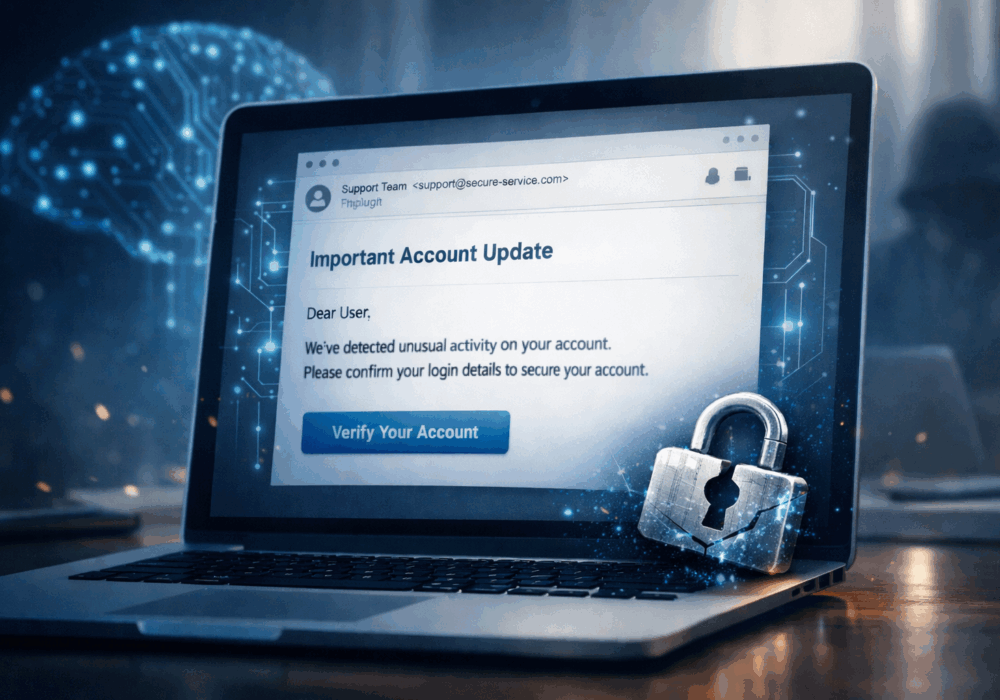
AI-Powered Phishing Kits Are Game-Changing, In a Very Bad Way

AI-Powered Phishing Kits Are Game-Changing, In a Very Bad Way

Phishing emails used to be easy to spot. Bad grammar. Weird links. Obvious scams. Those days are...

Read more
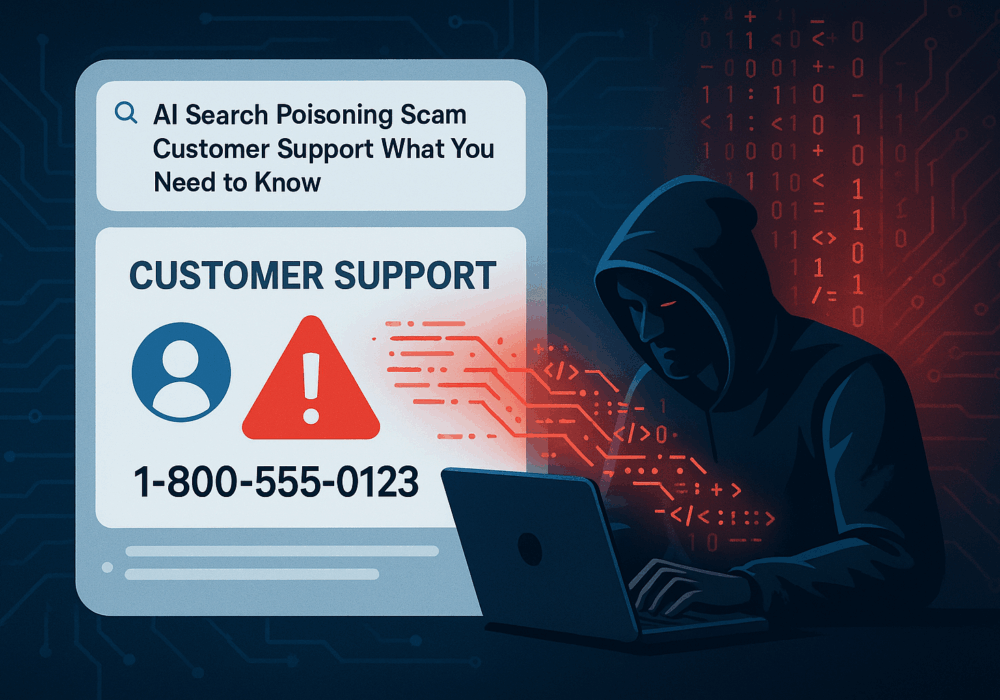
AI Poisoning: Fake Support Scam — AI Search as the New Attack Surface

AI Poisoning: Fake Support Scam — AI Search as the New Attack Surface

Cybercriminals always follow Internet eyeballs. Not literally, but figuratively. And today's eyeballs are...

Read more
CISA Details an Emerging Mobile Spyware Alert

CISA Details an Emerging Mobile Spyware Alert

Active Attacks on Messaging Apps The Cybersecurity and Infrastructure Security Agency (CISA) recently issued...

Read more