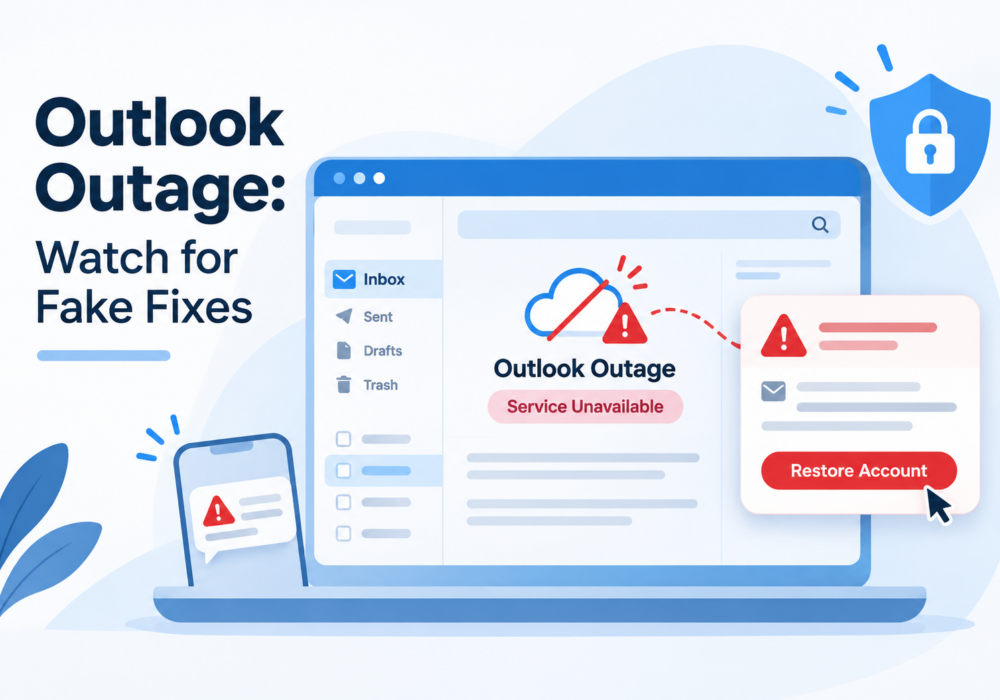
On Thursday, November 12, 2026, around 11 a.m. Eastern, Microsoft Outlook stopped working for people around the world. Users lost access to their mailboxes on the web, in the app, and on phones. Emails arrived late or not at all. Teams and Copilot saw partial disruptions too.
By early Thursday afternoon, Downdetector logged about 130,000 Outlook problem reports. On Friday morning, Microsoft reported partial recovery in some regions, but some restored servers failed again. Microsoft has not given a time for full recovery.
Here is the potentially calming part. Microsoft says this outage is not a cyberattack. The company points to elevated load on its servers and is rolling back a network change while it restarts affected services. If you use desktop Outlook, you will still be able to see emails downloaded before the outage. Also, Microsoft Teams chats and calls have largely kept working.
When millions of people lose email at once, scammers send fake messages pretending to help. They copy Microsoft logos and borrow real outage language from the news, so their messages look timely and official.
During a Microsoft outage in January 2026, security researchers at McAfee tracked these tricks:
Expect the same tricks moving forward. Each one leads to a fake login page or a fake helper whose goal is your password.
Microsoft fixes this outage on its own servers. You do not need to do anything to get your email back.
So any message asking you to sign in, download a tool, pay a fee, or call a number to restore Outlook is a fake. No exceptions this week. Delete it, report it to your IT contact, and give yourself a high five for spotting it.
Skip the links in emails and texts. Go straight to the source instead.
Email delays create a second risk. A scammer might text or call pretending to be a vendor, a coworker, or your boss, saying “email is down, so here is the new bank account for the invoice” or “please buy these gift cards for me today.”
Before you move money or change payment details, call the person back at a phone number you already have on file. A 60-second phone call stops the most costly scams.
Mistakes happen, especially when everyone is busy and stressed. What matters is acting fast.
Share this advisory with your team today and take five minutes in your next huddle to walk through the one rule: no action is needed from you to fix this outage. Small conversations like this build habits lasting long after Outlook comes back online.
If you want your team practicing this skill all year, CyberHoot offers short, positive, reward-based training and phishing simulations built for small and midsized organizations. Every good click, and every smart pause, counts.
Laugh. Learn. Hoot Up!
Discover and share the latest cybersecurity trends, tips and best practices – alongside new threats to watch out for.
What Is Happening On Thursday, November 12, 2026, around 11 a.m. Eastern, Microsoft Outlook stopped working...
Read more
Author: Katie Boquetti | Editorial: Craig Taylor Editorial by Craig Taylor: “Power tends to corrupt,...
Read more
Author: Katie Boquetti | Editorial: Craig Taylor Editorial by Craig Taylor: For years we've trained...
Read moreGet sharper eyes on human risks, with the positive approach that beats traditional phish testing.