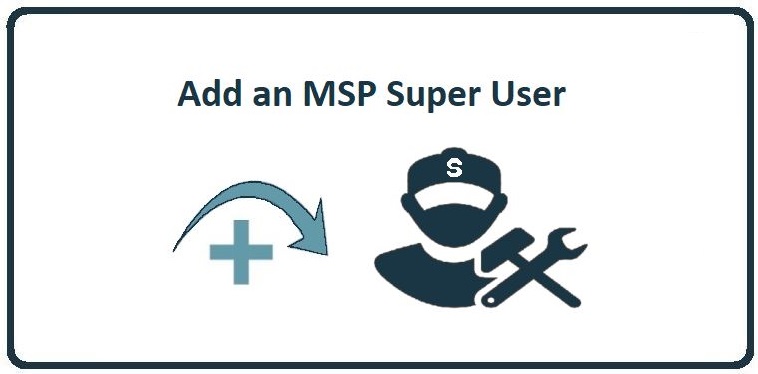
These instructions provide a step-by-step guide for adding a Super Admin to CyberHoot’s platform.
As an MSP, it’s common to assign your own staff as Super Admin to help manage CyberHoot on behalf of your clients. Please note that only existing Super Admins have the ability to grant Super Admin access to others.
Super Admins can seamlessly switch between client accounts to manage them.
That’s it, the new site admin has been added.
Discover and share the latest cybersecurity trends, tips and best practices – alongside new threats to watch out for.
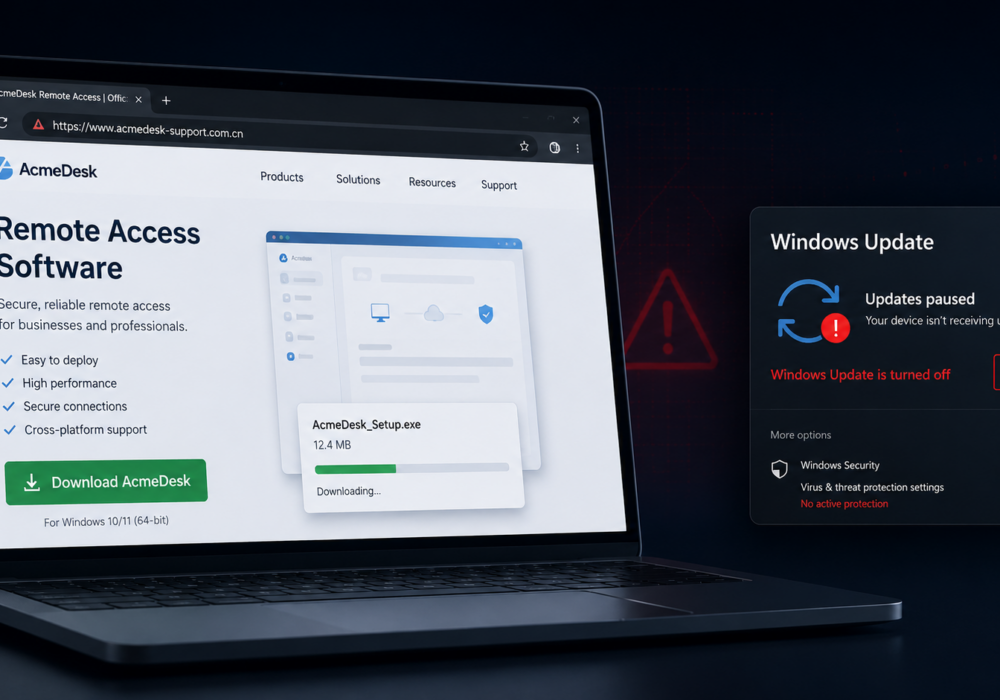
Author: Katie Boquetti | Editorial: Craig Taylor Editorial by Craig Taylor: I remember the early days of...
Read more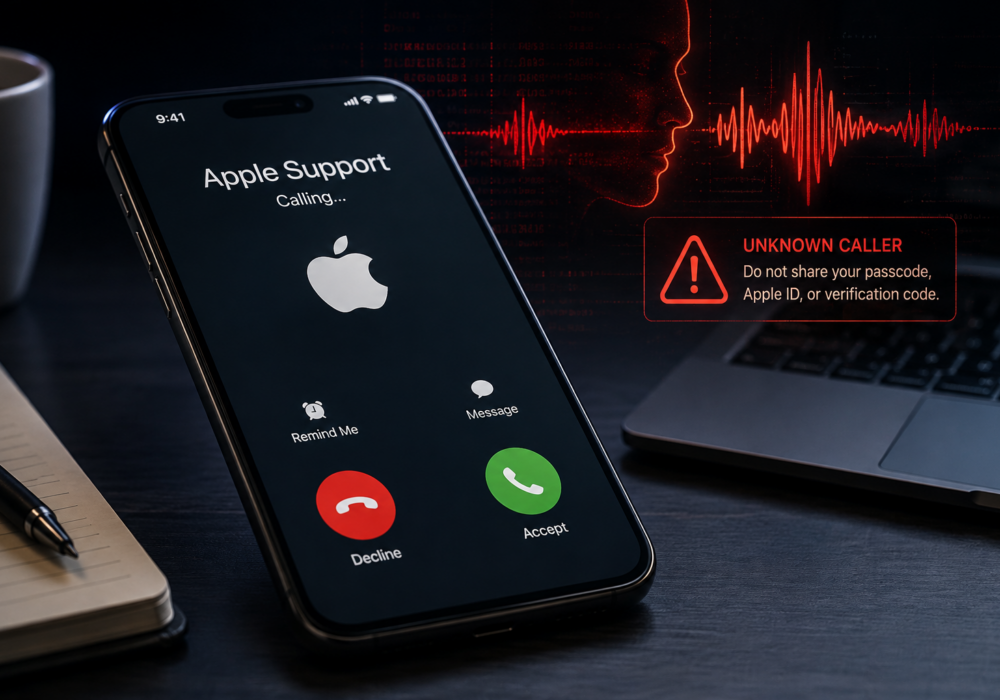
Author: Katie Boquetti | Editorial: Craig Taylor Editorial by Craig Taylor: This week's blog has a...
Read more
Every so often a piece of malware comes along with a trick clever enough to make security researchers pause and...
Read moreGet sharper eyes on human risks, with the positive approach that beats traditional phish testing.