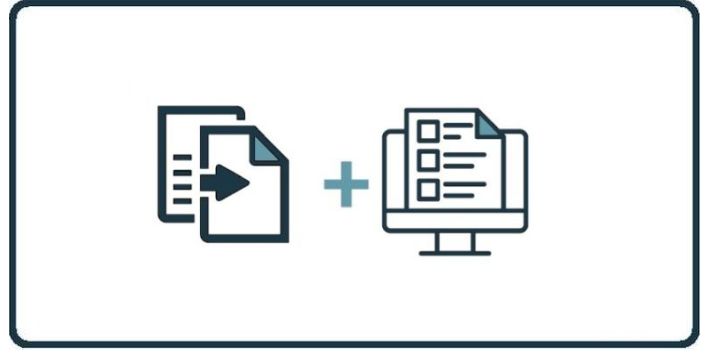
These steps outline how to assign a training program and the frequency at which the videos are being sent out to staff.
Log in and go to the Dashboard.
Click the Programs tab.
Click the Program Library tab.
Find the program you want to clone.
Click the Assign icon (two-page icon) on the right side.
Edit the program name, description, interval, start date, and end date.
Review the list of included videos.
To add more videos, select them from the available videos list.
Scroll to the bottom of the page.
Choose a user group to assign the program to.
Click the arrow to assign it to the selected group.
That’s it. The cloned training program is now added and assigned.
Discover and share the latest cybersecurity trends, tips and best practices – alongside new threats to watch out for.
Google has built and released a new cookie protection measure that makes stolen session cookies useless on any...
Read more
New benchmark data names MDASH and Claude Mythos Preview are the top AI agents finding zero-day vulnerabilities...
Read more
One Forgotten Password, Almost a Catastrophe A single Windows machine at a retail store location had a cached...
Read moreGet sharper eyes on human risks, with the positive approach that beats traditional phish testing.