Welcome to the CyberHoot Autopilot Platform: A Guided Tour for New Administrators
Starting with a new platform can feel like a big lift, but we are here to make it easy. This page features a collection of short overview videos designed to help you get comfortable using CyberHoot’s Autopilot platform quickly and effectively.
We cover the key areas every new tenant should understand, including:
These videos will help you hit the ground running and deliver meaningful cybersecurity improvements to your organization from day one. Let’s get started!
In this video we provide an overview of CyberHoot’s Autopilot Partner Dashboard. Learn some of the most common practices in rolling CyberHoot out to teach Cyber Literacy to your client’s employees.
(Now updated to autopilot.cyberhoot.com)
Ready to add a new tenant in Autopilot? This short walkthrough shows you how to set up and configure a tenant in just a few clicks. Please Note: CyberHoot recently changed some wording in the interface. Anywhere you see “Customer” in this video, you will now see Tenant. They are functionally equivalent.
Explore the Tenant Dashboard in under 5 minutes! This video shows you where to find key settings, manage users, and navigate the tenant dashboard with ease.
This in-depth video is your ultimate guide to CyberHoot. Discover every PowerUp—from HootPhish and Dark Web Monitoring to Flex Scheduling and Custom Reporting. Learn what each feature does, why it matters, and how to unlock the full potential of the platform.
Microsoft Entra ID automates user management in CyberHoot. Add users to Entra ID groups to auto-enroll them. Remove users to automatically archive them.
Google Workspace lets you auto-manage CyberHoot users by Group as well. Simply add users to Google Workspace to enroll them or remove users in Google Workspace to archive them.
Please email Support@CyberHoot.com for help.
Discover and share the latest cybersecurity trends, tips and best practices – alongside new threats to watch out for.
Ransomware groups are not breaking in organizations the same way they did five years ago. The entry methods have...
Read more
If a Chrome extension promises to remove security pop-ups and generate MFA codes, that should make you...
Read more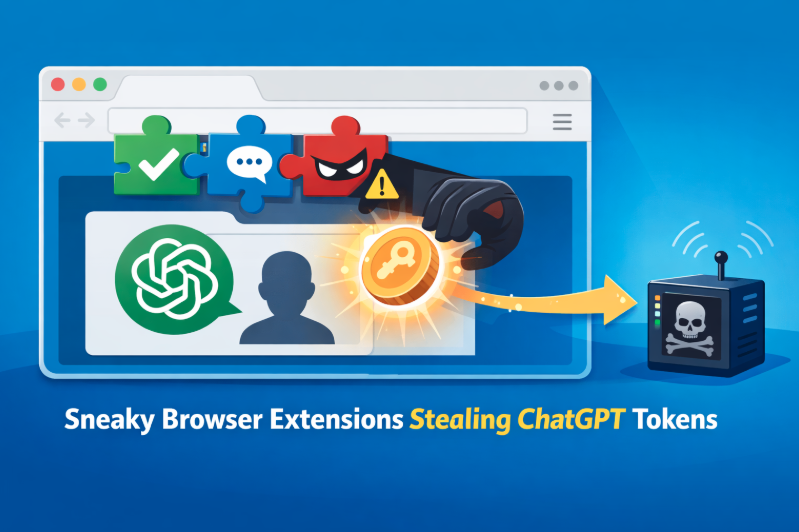
Cyberattacks usually start with phishing emails or weak passwords. This one did not. Security researchers...
Read moreGet sharper eyes on human risks, with the positive approach that beats traditional phish testing.

