Why Does My AttackPhish Report Show Users Opening and Clicking Emails They Never Saw?
If you’re seeing users listed as having opened and clicked phishing emails within seconds, or even before they could have possibly opened them, don’t worry. Your users aren’t lying, and nothing is broken. What you’re seeing is a byproduct of modern email security tools doing their job.
Many email security solutions such as Microsoft Defender for Office 365, Barracuda, Mimecast, and Proofpoint include features like Safe Links, URL Protection, or Link Scanning.
When a simulated phishing email from CyberHoot’s AttackPhish module arrives, these systems automatically:
These automated scans trigger the same tracking mechanisms CyberHoot uses to record legitimate user activity. The result is that your report may show:
In short, your security system (not your user) is the one “clicking.”
To ensure your AttackPhish reports accurately reflect real user behavior, you’ll need to allow CyberHoot’s phishing simulations to pass through your email filters without sandbox inspection.
Follow the guide below for M365:
[Guide: HowTo – Allow-List by X-Header in Exchange 2013/2016 or Microsoft 365]
For the list of CyberHoot’s IP addresses and domain names needed to set up the allow-listing and to help you with other technologies, please check this page:
https://cyberhoot.com/howto/cyberhoots-email-ip-addresses-and-hostnames/
False “opens” and “clicks” in AttackPhish reports are almost always caused by link-scanning technologies doing what they’re designed to do: protect your users. Once CyberHoot’s domains or headers are allow-listed, you’ll see accurate results that reflect genuine user behavior.
Discover and share the latest cybersecurity trends, tips and best practices – alongside new threats to watch out for.
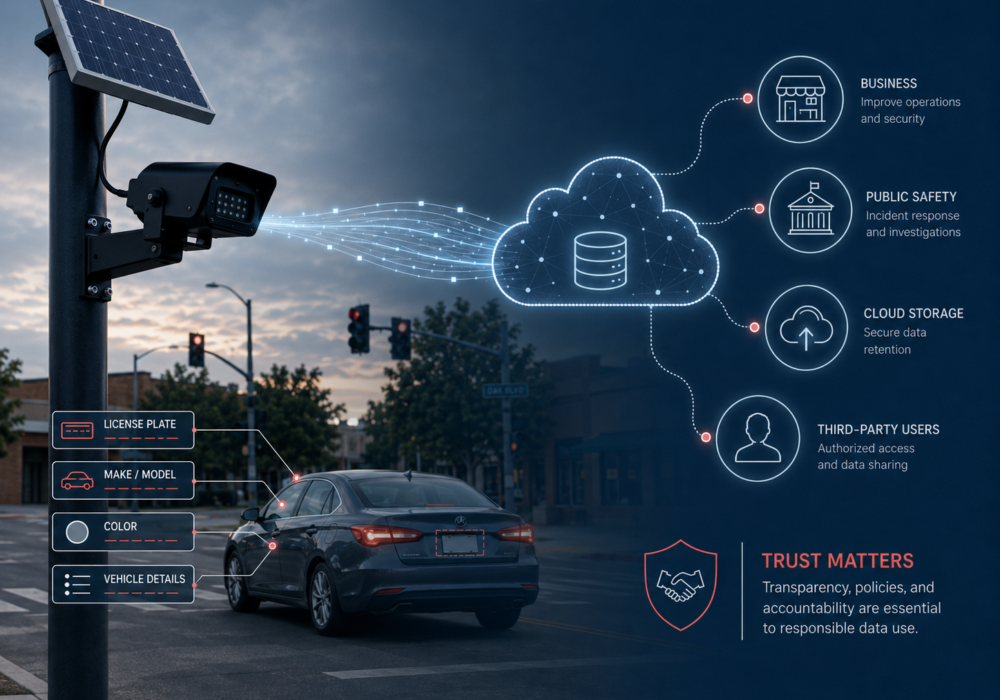
You have seen them before. A small black camera on a pole near an intersection, a solar panel on top, quietly...
Read more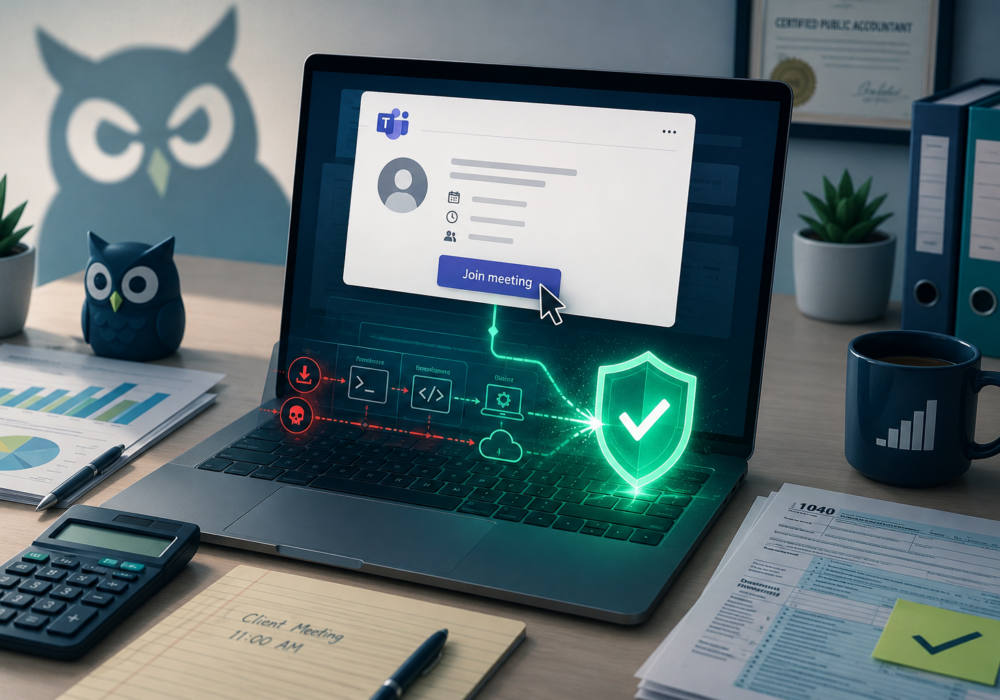
Tax season keeps accountants busy, and it keeps scammers busy too. Early this summer, a CPA firm became the...
Read more
Researchers went looking for a fake photo upscaler and found something stranger: a ransomware kit an AI model...
Read moreGet sharper eyes on human risks, with the positive approach that beats traditional phish testing.

