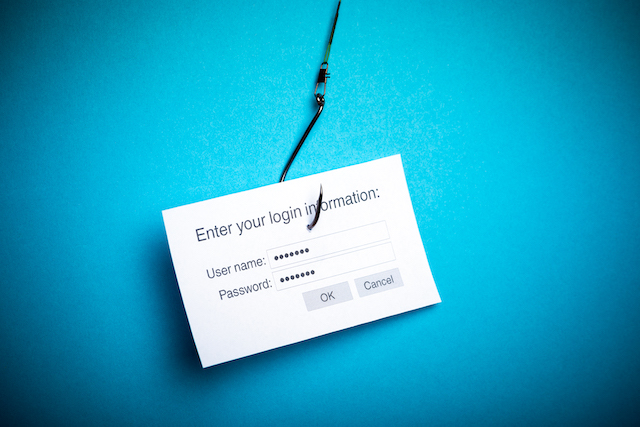
This 3 minute video by the Government of Canada outlines how phishing occurs online. Problems online occur when you are phished and turn over account numbers, passwords, or other critical and sensitive information. You do this by clicking phishing links and logging into malicious websites that steal your credentials by impersonating online websites like your bank. Don’t click links or complete forms in suspicious emails. Generic addressed emails with spelling mistakes are dead giveaways you’re being phished. This video provides an excellent overview of how to spot and avoid these types of attacks.
CyberHoot does have some other resources available for your use. Below are links to all of our resources, feel free to check them out whenever you like:
Note: If you’d like to subscribe to our newsletter, visit any link above (besides infographics) and enter your email address on the right-hand side of the page, and click ‘Send Me Newsletters’.
Discover and share the latest cybersecurity trends, tips and best practices – alongside new threats to watch out for.

Most phishing tests lie to your employees. This one says hello first! HootPhish tells people up front: this is...
Read more
Severity: CRITICAL (CVSS 9.2) | Issued: October 22, 2026 On October 21, two critical flaws in PHP,...
Read more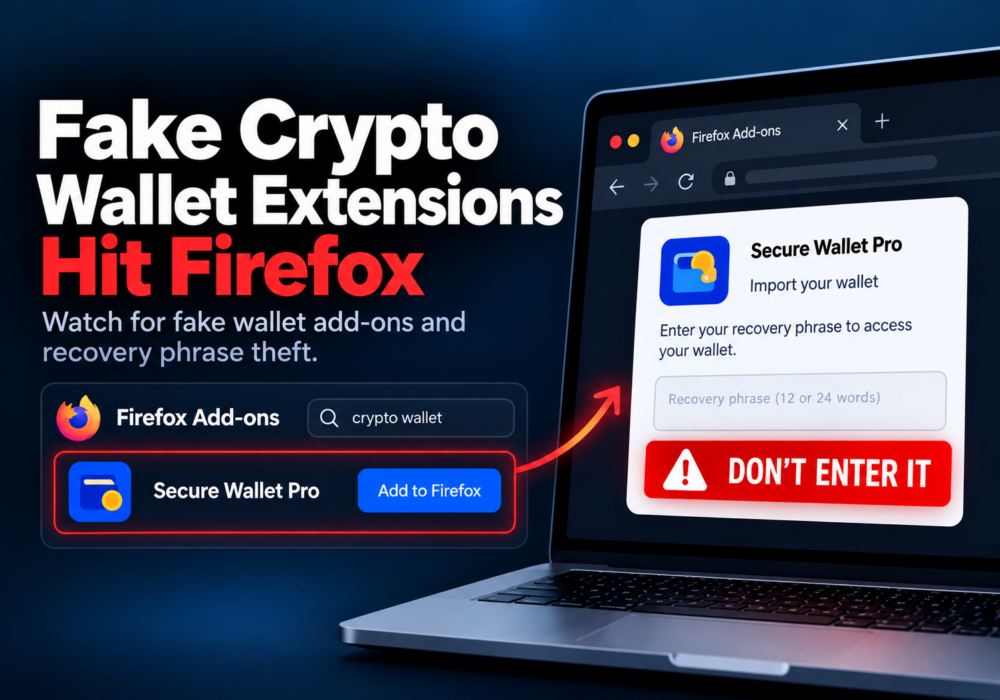
Author: Katie Boquetti | Editorial: Craig Taylor Editorial by Craig Taylor: Even before Claude Code made...
Read moreGet sharper eyes on human risks, with the positive approach that beats traditional phish testing.